Many professionals struggle to keep a steady rhythm through the day. Their setup does not match how the brain handles focus and distractions. This leads to lower output and more wasted time.
Research shows that small, overlooked problems in a workspace can sap productivity quickly. Individuals who adapt their environment often regain calm and control.
This guide points to hidden barriers and offers clear, practical steps. By shifting simple elements, they can turn a tense area into a reliable sanctuary for work.
Understanding ADHD Home Office Mistakes
Subtle layout errors often force the brain to expend extra effort just to stay on task. Recognizing that 50% to 86% of children diagnosed with adhd continue to have it into adulthood is a key starting point for redesigning a home office.
When a workspace ignores neurodivergent needs, the result is constant friction. People spend energy resisting distractions instead of finishing actual work.
That mismatch damages job performance and reduces overall productivity. It is not merely about looks; the arrangement of a space affects focus, routine, and long-term performance.
- A poorly planned layout makes the brain hunt for structure.
- Cluttered surfaces and opaque storage hide priorities and slow task switching.
- Lighting, seating, and desk position can either support or hinder daily job tasks.
By spotting these common errors, a person can stop fighting their own wiring and build a home office that truly supports consistent productivity.
The Pitfalls of Opaque Storage Solutions
Hidden storage choices can quietly derail focus and slow everyday work. Closed drawers and dark bins hide priorities and force repeated searches. That adds small interruptions that break momentum and raise stress.
The Power of Clear Containers
Effy Terry, a Certified Professional Organizer in Chronic Disorganization, stresses the value of visibility for people with adhd.
“Opaque storage often causes items to be forgotten, which is a common struggle for people with ADHD,”
Using clear bins lets the brain scan supplies at a glance. This simple change cuts the time spent digging through drawers and helps with task switching at a desk.
- See supplies fast: essential items stay visible and ready for work.
- Assign a bin: label by job or task to reduce mental load.
- Protect mental health: an organized space eases anxiety and supports focus.
Implementing clear storage helps mitigate common symptoms and keeps items accessible. Small swaps like this make the desk a reliable tool for daily job demands.
Why Traditional Office Furniture Fails the ADHD Brain
Many standard work setups demand stillness, which can clash with how some brains stay engaged. Rigid furniture forces long stretches of inactivity and raises the chance of small, recurring distractions.
Movement-friendly seating helps match body needs to task needs. Effy Terry recommends wobble stools or balance ball chairs as simple swaps that keep focus steady over long hours.
Movement-Friendly Seating Options
Choosing the right chair means picking one that allows gentle motion. A moving seat lets the body release excess energy without derailing concentration.
- Wobble stools support micro-movement and quick posture shifts.
- Balance ball chairs encourage core engagement and reduce fidgeting.
- Alternate between a stable chair and a movement chair to fit different types of tasks.
The Benefits of Standing Desks
Alternating positions with a standing desk cuts fatigue and improves physical health. Standing for parts of the day helps manage energy and reduces the drift into low-focus periods.
When the desk and chair work together, the workspace fuels the brain instead of draining it. That setup improves task switching and protects long-term job performance.
Managing Sensory Overload in Your Workspace
Overstimulation in a workspace can quietly erode focus and sap energy within minutes. For those with adhd, controlling sensory input is central to protecting mental health and steady performance.
Effy Terry notes that a sterile room can feel uninspiring, yet too much noise or visual clutter is worse. A balanced environment helps the brain sort priorities instead of chasing interruptions.
“Position your desk to limit visual chaos and choose a few consistent sensory supports, like a tactile fidget or soft lighting.”
Practical steps:
- Use noise-canceling headphones to block external distractions during deep work.
- Limit visual clutter on the desk and keep task tools in clear, labeled spots.
- Adjust sound, light, and texture in the space to match personal symptoms and comfort.
By curating the home office intentionally, professionals protect health and keep job performance reliable despite sensory triggers.
The Impact of Poor Lighting on Focus
Poor lighting quietly drains energy and makes even short jobs feel harder. Many workers do not realize that light levels shape attention, comfort, and stamina.
Layering Task and Ambient Light
Good lighting starts with daylight. A 2018 Ergonomics International Journal study shows that natural light boosts productivity and mood.
A 2016 survey by the American Society of Interior Design found 68% of employees complain about their workplace lighting. That often leads to significant eye strain and faster fatigue.
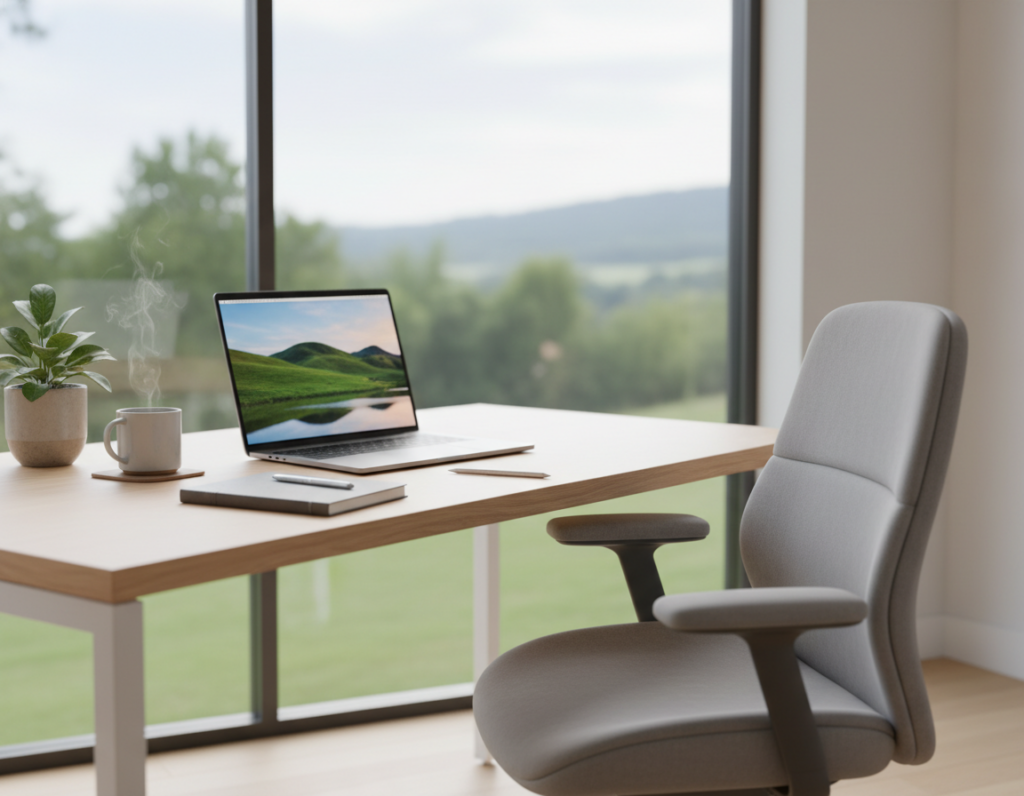
- Place the desk near a window when possible to use natural light for long stretches of the day.
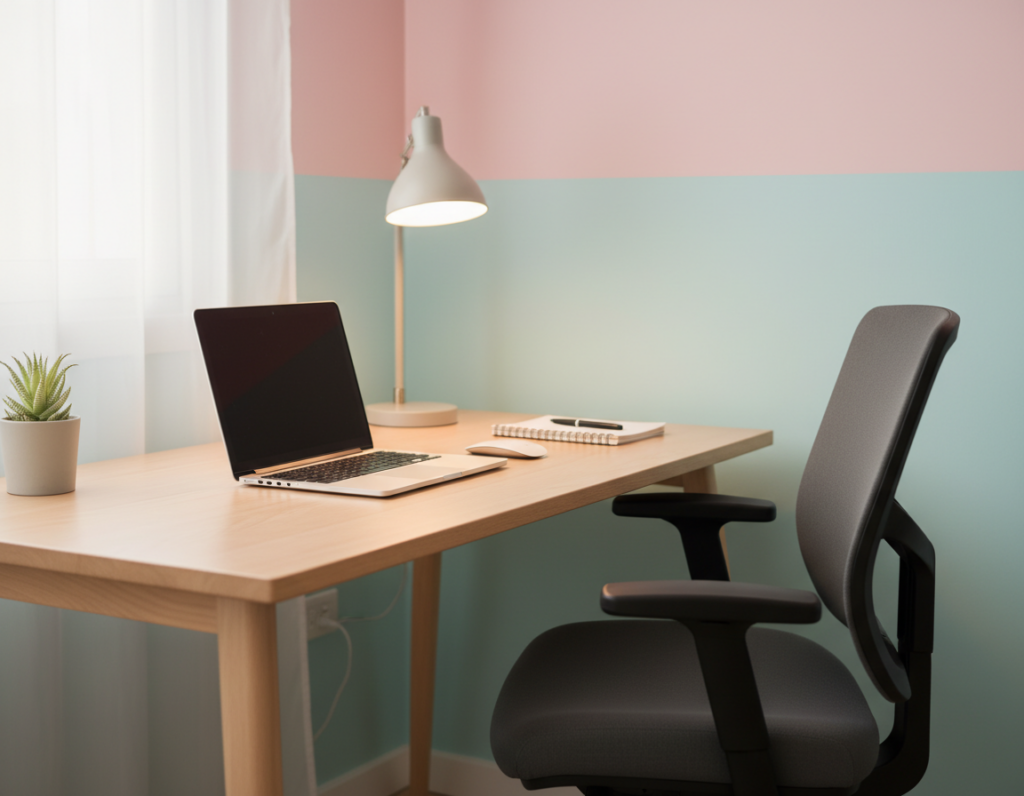
- Add adjustable task lamps so the eye has focused light for detailed tasks without increasing glare.
- Combine ambient and task lighting to create a balanced environment that reduces fatigue and supports steady focus.
Proper lighting protects eye health and helps people complete tasks more reliably. Small swaps in light sources yield big gains in concentration and comfort.
Why Your Desk Position Matters
The angle and placement of a desk steer attention more than most people realize. A thoughtful position reduces visual noise and protects the ability to start tasks quickly.
Malak Bellajdel, an interior designer, warns that facing a doorway or high-traffic area pulls the brain toward movement. That constant pull eats small bits of time and chips away at focus.
Avoiding High-Traffic Distractions
Place the desk away from direct sightlines to doors and walkways. This prevents peripheral motion from becoming persistent distractions.
Finding the Commanding Position
Use the commanding position: sit where the door is visible but not directly in front of you. This gives a sense of control without inviting interruption.
- Malak Bellajdel recommends the commanding position to maintain attention.
- Positioning your desk away from busy paths reduces visual interruptions and saves time.
- Effy Terry suggests keeping essential items within arm’s reach to limit trips and hold focus.
- A logical layout shapes how the workspace supports daily tasks and reduces friction.
By choosing where to position desk and arranging the surrounding space, a professional can build a dedicated area that defends concentration. Small changes yield steady gains in work and routine.
Leveraging Visual Cues for Task Management
A few deliberate visual prompts can turn a chaotic desk into a dependable task system.
Effy Terry recommends color-coded folders and a whiteboard as core visual cues to reduce cognitive load. For people with adhd, out of sight often means out of mind.
Use sticky notes in prominent spots as constant reminders of priority tasks. Place a single note where it will be seen during peak work hours.
- Keep clear bins with labels on the desk so items are visible and easy to grab.
- Pin one short list on a whiteboard to show what tasks come next.
- Position reminders near the main workspace to act as a secondary memory.
These cues free mental energy for actual work and help the mind move from task to task with less friction. Small, consistent signals in the home office prevent missed deadlines and keep focus steady.
The Role of Personalization in Maintaining Motivation
What you place at eye level can remind you why the work matters. Nikki Klugh advises arranging the view so motivating art or photos sit in the line of sight. This keeps purpose visible during the day.
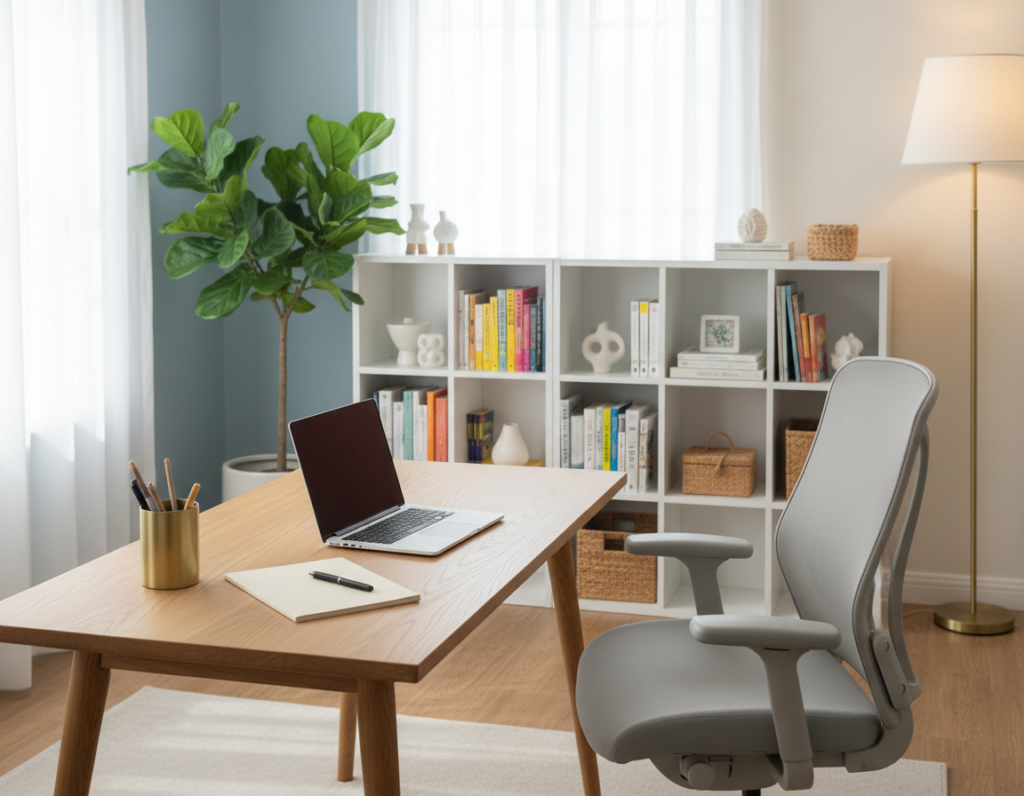
Biophilic touches also lift energy and calm the environment. Effy Terry suggests adding a few plants to improve air quality and bring color into the workspace.
- Display meaningful artwork or photos that point to long-term goals.
- Use a couple of plants to add life and steady energy to the space.
- Keep a small collection of sentimental items on the desk to boost connection and focus.
A sterile room can drain drive. Personal items make the desk inviting and help people return to tasks faster. Surrounding oneself with goal-related objects builds a simple, supportive system for steady motivation.
For practical setup ideas and further guidance, see adhd-friendly office tips.
Avoiding the Trap of Neurotypical Scheduling
Rigid timetables can clash with natural energy cycles, turning a productive day into a string of stalled hours.
Many people with adhd report that forcing a traditional schedule worsens symptoms and harms mental health. Effy Terry recommends swapping strict blocks for visual organization tools like sticky notes and clear, color-coded lists.
Design the desk and calendar around real energy peaks. Allow for short bursts of focused work, then softer tasks when concentration dips.
- Break large tasks into small steps to prevent procrastination and missed deadlines.
- Use visible notes to track priorities so the brain can scan what matters fast.
- Build flexible blocks for different types of work to limit distractions and protect momentum.
By leaning into rhythms instead of against them, people keep deadlines on track and reduce burnout. Small, visual systems help the brain move through tasks and maintain steady energy across the day.
Integrating Technology to Support Your Workflow
The right apps and devices act like a second brain for busy employees. Thoughtful tools can reduce small interruptions and help preserve energy for demanding tasks. When chosen to match personal rhythms, technology keeps deadlines visible and job performance steady.
Automated Reminders and Time Tracking
Automated reminders and simple time-tracking apps help employees stay on top of tasks and meet tight deadlines. These tools log time, show progress, and flag overdue work so the desk stays focused on priority items.
Use alerts sparingly to avoid notification fatigue. Set blocks for deep work and let the app report how long different types tasks actually take.
Voice-to-Text Tools
Voice-to-text cuts the friction of typing on slow or low-energy days. It captures ideas fast and turns spoken notes into searchable task lists.
The Americans with Disabilities Act allows reasonable accommodations such as speech tools or noise-canceling headphones to support job performance.
- Pick software that syncs across devices to keep tasks organized.
- Combine reminders with time logs to protect peak energy windows.
- Choose tools that match how the brain works to boost consistent performance.
Conclusion
Consistent improvement starts with small steps. Consistent changes to how a desk is set up can reshape routines and reclaim lost time for people with adhd.
Address core issues like lighting, desk height, and clear visual cues first. These shifts improve focus, cut interruptions, and help complete tasks more reliably.
Forgive setbacks and treat optimization as ongoing. Try one or two strategies today and measure what helps. Over weeks, those small wins build steady productivity in a home office that supports real work rhythms.