Remote work has surged by 115 percent in the last decade, and many professionals need a compact workspace that supports focused work.
They can set clear boundaries and simple habits to protect attention and raise productivity.
A thoughtful setup in a single room lets people control light, sound, and notifications. That control improves focus and daily task management.
By prioritizing a distraction free home office design, individuals limit family interruptions and keep professional standards high while working home.
Defining the Distraction-Free Home Office
An effective work area combines ergonomics, digital order, and simple ground rules. This definition captures three essentials: physical comfort, streamlined tech, and behavioral norms that protect focus and well‑being.
Key elements of this work environment include a dedicated, clutter‑free desk that cues the brain to shift into professional mode. Ergonomic seating and proper monitor height reduce fatigue and make sustained tasks easier.
The space should act as a sanctuary where a person can perform their best work without constant interruptions. Clear expectations with household members and scheduled breaks help preserve concentration and respect personal time.
- Dedicated desk and minimal clutter
- Ergonomic furniture and task lighting
- Simple rules for when to interrupt and when not to
Treating the area as a serious place of work improves the ability to focus on complex projects and supports a balanced environment that suits both professional needs and everyday living.
Optimizing Your Physical Workspace for Focus
A well-chosen spot for your desk reduces interruptions and boosts consistent focus during working hours. Small changes to location, light, and sound shape a productive work environment in a single room.
Choosing the Right Location
Place the desk away from main walkways and communal areas to limit interruptions from other people. Keep the room at a comfortable temperature—about 20–22°C (68–72°F)—to prevent physical discomfort that can break concentration.
Minimizing Visual Clutter
Clear the desktop of nonessential items so the mind can stay on the current task. Use simple storage and a small tray for daily tools to keep the workspace tidy and ready for work.
Use windows for natural light, then add targeted task lighting to reduce eye strain. Add rugs or acoustic panels to absorb sound and create a quieter room for deep concentration. For more setup ideas, see distraction-free setup tips.
Selecting Ergonomic Furniture for Sustained Attention
A thoughtful chair and desk pair can turn a small workspace into a high‑productivity area.
Poor ergonomics can cut effective work time by up to 40% because discomfort pulls attention away from tasks. Investing in a high‑quality setup keeps the body supported so the brain uses energy on problem solving instead of pain management.
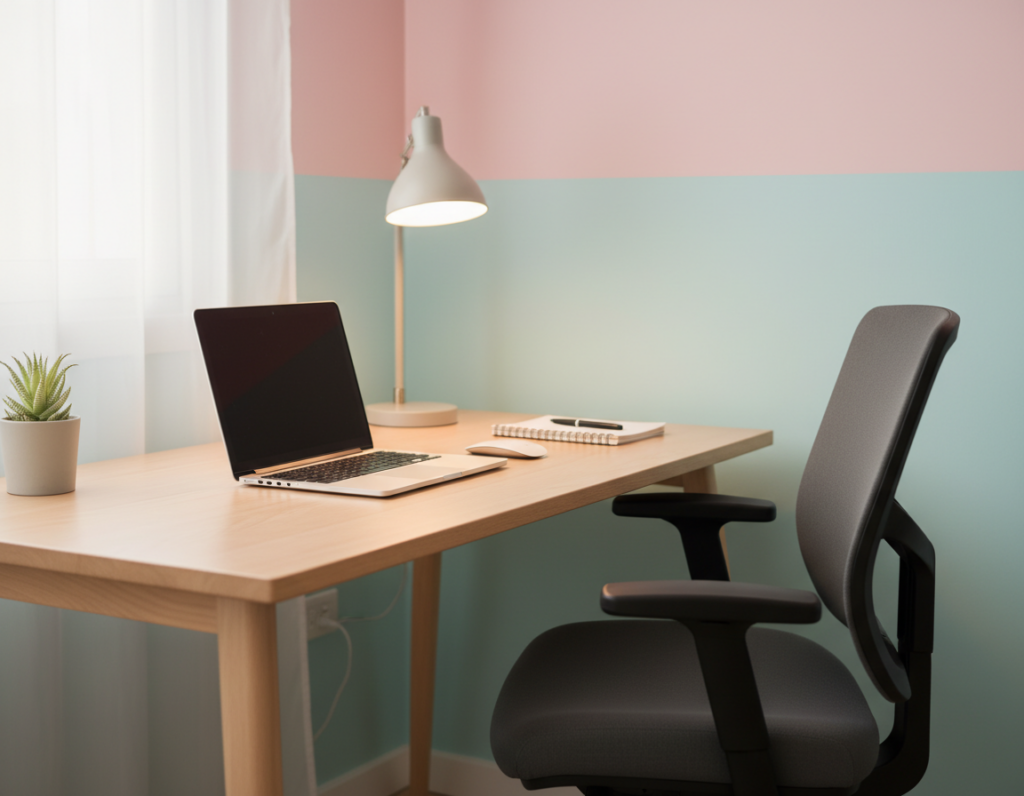
Choose a chair with lumbar support and adjustable height. Match the desk height so forearms rest parallel to the floor. These changes help form healthy habits that reduce breaks for aches and posture fixes.
- Prioritize an ergonomic chair with tilt and lumbar control.
- Select a desk that allows a neutral wrist and shoulder position.
- Create physical boundaries with furniture placement to signal work time.
High‑quality equipment is an investment in long‑term productivity and physical health. When the setup supports the body, attention stays on the task and the small space functions as a serious work area.
Managing Digital Interruptions and Notifications
A clear plan for managing alerts turns a laptop and phone from time sinks into tools. This section shows practical steps they can use to protect short windows of deep work and improve daily time management.
Disabling Non-Essential Alerts
Turn off noncritical notifications on apps and system windows. They should keep only calendar and emergency alerts enabled. This single step reduces audio and visual breaks that pull attention away from the task.
Batching Email Sessions
They should schedule inbox sessions for 30 to 60 minutes twice a day. Batching email prevents constant context switching and makes a measurable difference in productive hours.
Using Focus Modes
Use built‑in focus features or apps like Freedom to silence notifications during priority sessions. Set automatic schedules so notifications resume outside critical work hours.
“Silence is often the most powerful productivity tool available.”
- Disable non-essential alerts on laptop and phone.
- Dedicate specific minutes for email and task clearing.
- Automate notification windows to guard deep focus sessions.
Implementing Effective Time Management Techniques
Simple time strategies help people protect peak energy and get more done in fewer hours.
Use structured sessions. Research from DeskTime shows a 52-minute focus block followed by a 17-minute break produces strong deep work results. This rhythm reduces burnout and refreshes attention for the next session.
Apply proven techniques. The Pomodoro method—short focus bursts with regular pauses—keeps focus high across the day. It converts long to-do lists into manageable tasks and predictable minutes of concentrated effort.
They should schedule blocks of hours for priority work and guard that time like an appointment. Consistent start times and repeatable habits make the routine automatic and reduce decision fatigue.
- Plan peak tasks for highest-energy hours.
- Use simple management tools to track sessions and breaks.
- Batch similar tasks to limit context switching.
Small, repeatable adjustments to time and routine deliver steady gains in productivity and make the workday feel more controlled and less stressful.
Establishing Behavioral Boundaries with Household Members
Open communication about schedule and signals helps people protect blocks of focused work. Clear rules reduce friction and set expectations that make the day more predictable.
Communicating Work Hours
State work hours so family members know when someone is unavailable. A posted schedule or shared calendar makes the hours visible and easy to follow.
Agree on simple boundaries for interruptions. Use a closed door, a sign, or a red light to show that the person is in a focused session.
Set routines that include short breaks for family interaction. Regular check-ins reduce surprise visits and keep relationships strong while someone is working home.
- Tell people which hours are for deep work and which are for questions.
- Ask family to limit notifications on shared devices during critical blocks.
- Place the phone in another room during intense sessions to lower interruptions.
Good boundaries protect time and make professional life in a small space more sustainable.
Utilizing Technology to Create a Distraction-Free Home Office
Smart tech choices turn a compact workspace into a reliable zone for deep work.
Investing in quality gear — a dependable laptop and an ergonomic chair — makes a measurable difference in how long they can sustain focus. Good hardware reduces friction and supports comfortable hours of work each day.
They should use apps like Freedom or built‑in focus modes to block sites and limit notifications during priority tasks. This tool-based approach protects long sessions and improves task management.
A tidy desk setup with cable management cuts visual clutter. Pairing a large monitor with dual windows helps them handle complex projects with fewer context switches.
Taking short breaks away from the phone or laptop — a coffee break, for example — resets attention and prepares them for the next block.
- Choose reliable laptop and quality chair for sustained work.
- Use focus apps and mute nonessential notifications.
- Optimize desk layout, cables, and monitor windows for smoother workflow.
Incorporating Sound and Lighting for Better Concentration
Controlling audio and illumination is one of the simplest routes to better concentration in a compact space. Good sound and light design support sustained work and reduce strain on the brain.
Acoustic Control Strategies
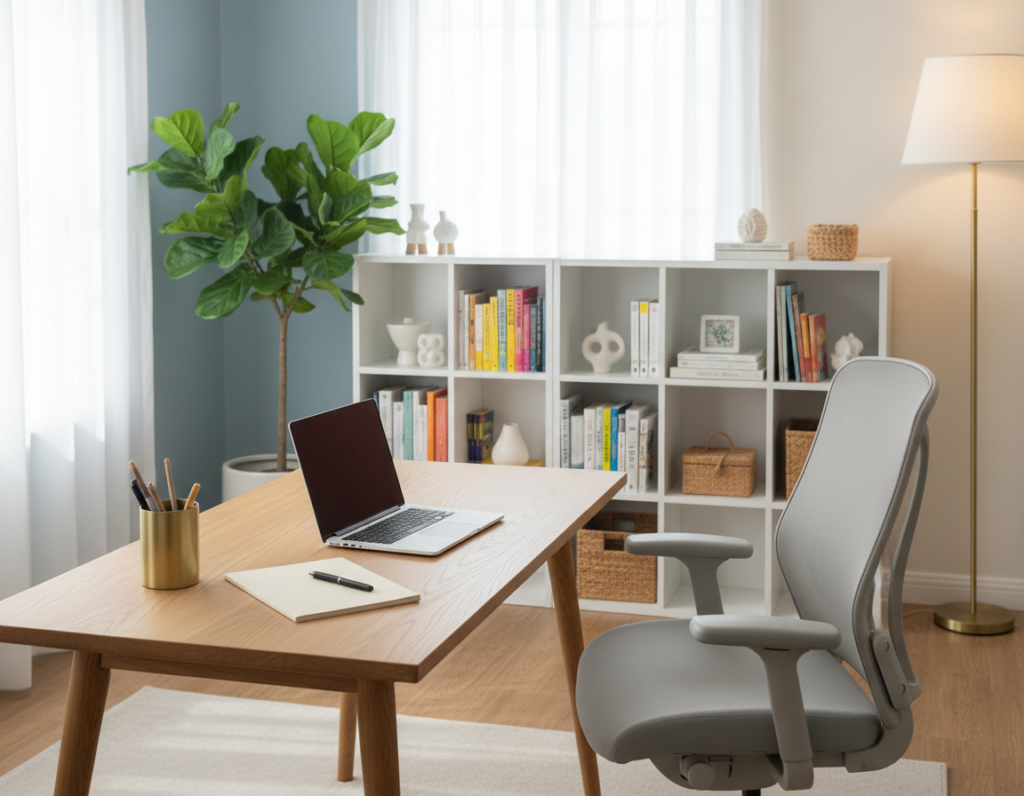
Add soft materials such as rugs, curtains, or a bookcase to absorb reflections and improve sound quality. These simple steps cut echoes and lower distracting noise when other people are nearby.
Consider a dedicated recording area with foam panels or a portable vocal booth to lift audio quality for calls and podcasts. Proper soundproofing makes a clear difference in professional recordings.
Natural Light and Task Lighting
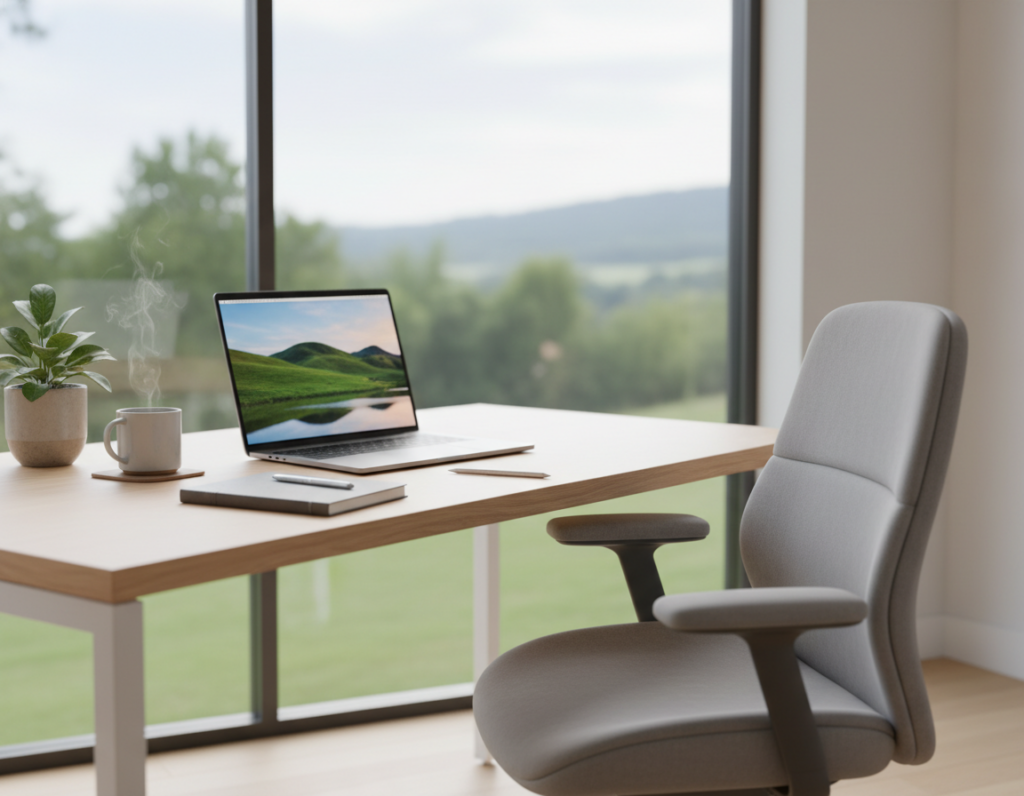
Utilize windows for even daylight to brighten the environment and keep energy steady. Pair natural light with adjustable task lamps to prevent eye fatigue during long sessions.
- Use rugs or shelves to improve acoustic quality in the space.
- Place the desk near windows, but add blinds to control glare.
- Create a small, sound-treated recording area for better audio on video calls.
- Layer light sources so the brain gets both ambient and focused illumination.
Maintaining Your Workspace Through Routine and Rituals
Daily habits — simple, repeatable, and short — help the mind shift into productive mode.
Start with a brief coffee ritual. A single cup and two minutes of planning cue focus and signal the start of work. This small action prepares the brain for priority tasks and steady attention.
They should clear the desk each evening. Spending a few minutes to declutter the surface makes the workspace ready for the next day and reduces decision time in the morning.
Set clear boundaries for working hours. Turn off nonessential notifications and share those hours with household members so interruptions stay minimal and stress stays low.
End-of-day setup matters. In three to five minutes they can arrange tools, note top tasks, and adjust the setup for tomorrow. Consistent routines create a predictable environment that supports long-term productivity.
“Small, reliable rituals protect time and make each work day smoother.”
- Morning coffee and a quick plan to kick off focus.
- Ten minutes to tidy the desk before leaving the workspace.
- Clear boundaries for hours and notifications to protect work and personal time.
Conclusion
The right blend of furniture, routines, and tools makes sustained concentration realistic in small spaces.
Creating a solid home office combines an ergonomic chair and desk with a tidy workspace and clear boundaries. Managing notifications and controlling sound and audio settings helps the brain keep focus and improves daily productivity.
Consistent rituals and the right setup make work predictable. Use simple tools, protect concentration, and treat the room as a purposeful area to keep tasks moving and interruptions minimal.