Designing an adhd-friendly workspace starts with clarity about what helps one focus. A simple, well-ordered desk and clear lighting make a big difference. People who tailor their area report fewer distractions and smoother days.
The goal is to shape a space that feels calm and invites work. Small changes — like reducing clutter and choosing a single task zone — can boost productivity. These moves honor how a brain with adhd needs predictability.
This short guide shows practical steps to turn a home office into a supportive place to thrive. It covers choosing the right desk, optimizing lighting, and designing flow so people can stay on task with less friction.
For a deeper look at arranging tools and routines, see this guide on creating an effective setup.
Understanding Your Ideal Work Environment
People work best when their surroundings match how their mind and senses respond to stimulation. Occupational therapists Krysta Longridge and Katie Eichar identify two main settings that support focus: low stimulation and high stimulation.
Low Stimulation Settings
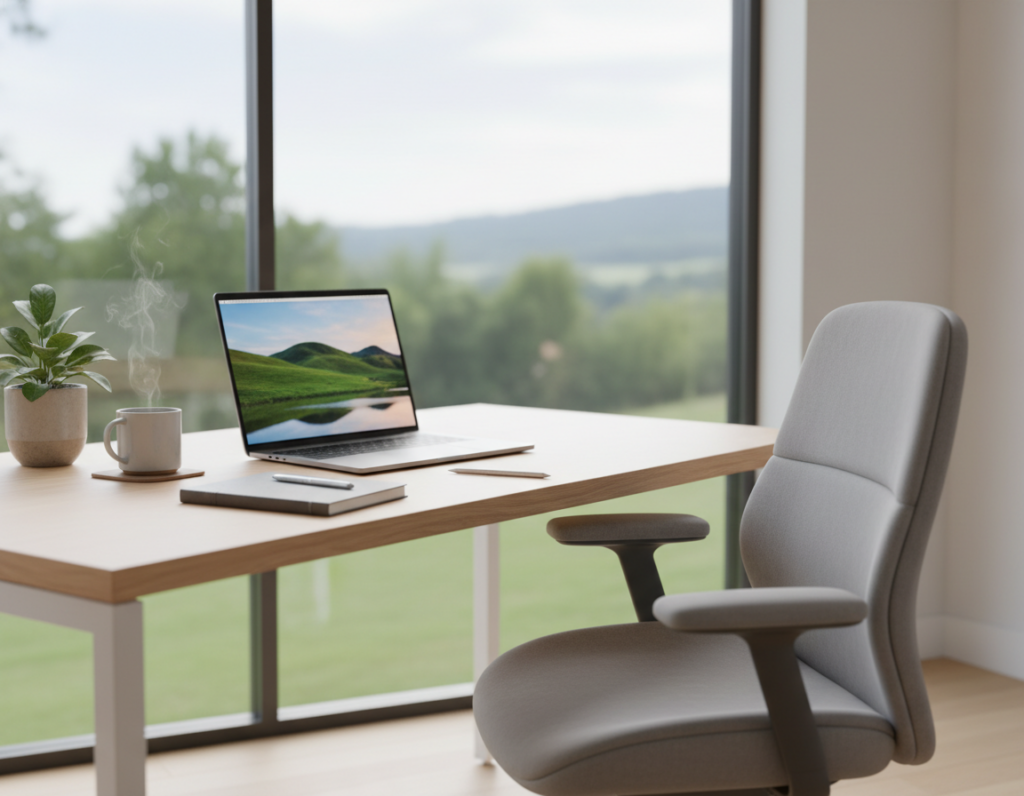
Low stimulation spaces are quiet and uncluttered. Neutral colors and minimal decor reduce external noise and help the brain hold attention.
This kind of office or home corner suits a person who loses focus with too much visual or auditory input.
High Stimulation Settings
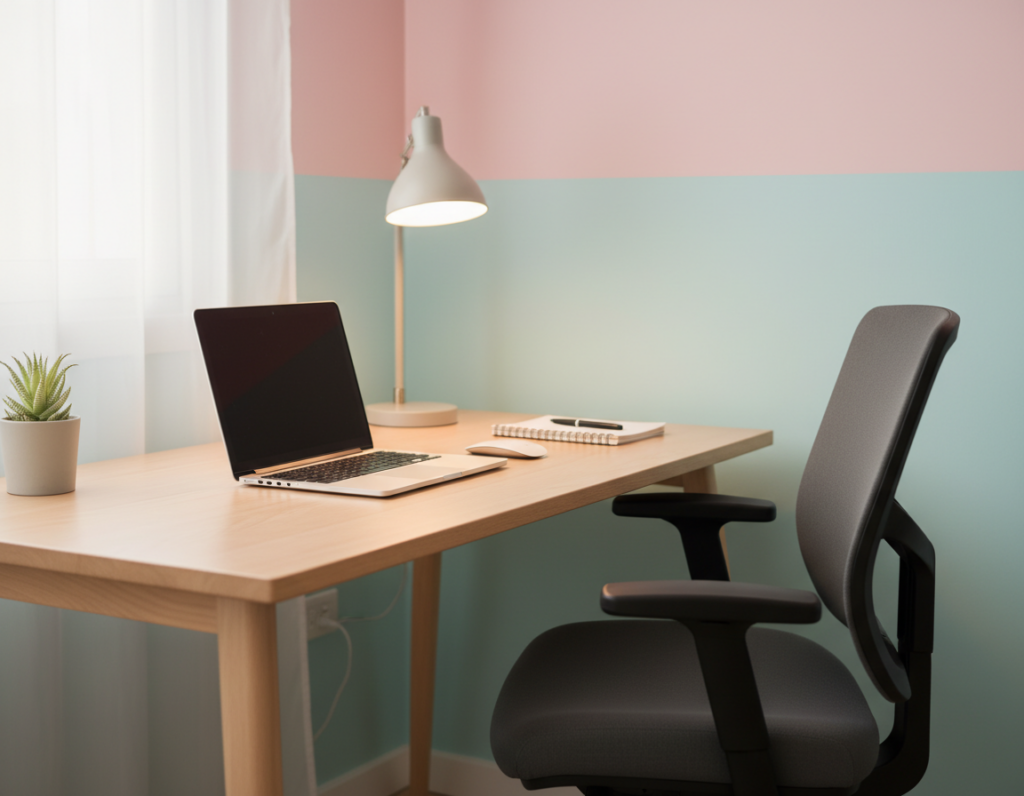
High stimulation environments add movement, bold color, or ambient sound. Some people thrive with background noise or the energy of a coffee shop.
These settings give the mind varied input and can cut through monotony. The key is matching the space to individual needs, not copying a single model.
Krysta Longridge and Katie Eichar stress that discovering which environment fits is crucial for long-term focus.
Essential ADHD Workspace Ideas for Better Focus
A clear layout and predictable tools let the brain shift quickly into work mode. Start by choosing one dedicated space for the most important task of the day. When that area stays consistent, the mind learns to associate it with focused work.
Keep the desk minimal. Remove old sticky notes, unread mail, and items that do not serve current tasks. A tidy surface reduces visual clutter that pulls attention away.
Use simple tools that signal the start and end of sessions: a timer, a single notebook, or a pen tray. These cues help people with attention differences settle into short, productive bursts.
Test setups and track what helps. Some find a small shelf for “active” items useful; others prefer a single task list pinned where it is always visible. Organizing the office with intent is a practical way to cut distractions and protect limited time.
Selecting the Right Desk for Your Needs
Start by picking a desk that matches how they move and focus throughout the day. Choosing a primary surface shapes how tasks flow and how the brain stays engaged in a productive workspace.
Sit Stand Desk Benefits
Convertible sit-stand desks allow quick height changes, which promote movement and alertness during long sessions.
A full standing desk is ideal for many. Desk risers or converters work well when space or budget limits a full system.
- Primary surface: The desk holds all daily tasks and items.
- Energy bonus: Standing while working can cut mid-day brain fog.
- Storage: Built-in drawers reduce clutter and keep the space tidy.
- Chair plus switch: A good chair matters, but the ability to alternate sitting and standing is game-changing.
For those with adhd or for adhd brains, a flexible standing desk creates a responsive setup that supports attention across the day.
Ergonomic Chairs and Movement Options
A chair that fits the body and the day’s tasks makes sustained work far easier. Choosing the right seat reduces aches and lets attention stay on the task.
An ergonomic chair with lumbar support, adjustable height, and tilt helps maintain good posture at the desk. Experts often recommend a model with multiple adjustments so the setup remains comfortable across the work day.
If restlessness is a factor, consider movement seating options. A wobble stool or active cushion allows gentle motion that engages the core. That motion can lower fidgeting and improve focus.
- Support: Proper back and seat support prevent pain that pulls attention away.
- Adjustability: Height, armrests, and tilt should match task and body.
- Movement: Alternate between a stable chair and an active option to stay alert.
Trying different chair options helps find the right balance between support and freedom to move. Prioritizing comfort creates a productive, sustainable workspace that supports both body and mind.
Optimizing Lighting for Comfort and Alertness
Lighting shapes mood and alertness, so choosing it with care improves daily focus. Proper light can reduce eye strain and make it easier to start and keep working.
Brightness and Temperature
Use adjustable fixtures to change brightness through the day. Dim warm tones support calm, while cooler, brighter tones boost alertness for focused work.
Place lamps to avoid glare on the desk. Glare creates visual noise and becomes a steady distraction for the brain.
Natural Daylight
Natural light helps the brain regulate alertness and cuts fatigue over time. When possible, set the desk near a window to get balanced daylight.
Combine daylight with task lighting so the space stays productive at different times. Test arrangements and note what helps maintain steady focus and productivity at home.
- Adjust brightness to match tasks and time of day.
- Choose bulbs with clear color temperature labels.
- Position light to limit reflections and reduce visual noise.
Managing Noise with Audio Tools
Tuning the audio environment is a simple way to protect mental energy during focused sessions.
Noise-cancelling headphones are among the most effective tools for a quiet desk zone. They block ambient noise in a busy office or a loud home. This creates a small, reliable bubble that supports sustained focus.
Many people use specific playlists, instrumental music, or steady white noise to stay engaged. These sounds mask distractions and help the brain settle into work rhythms.
If external interruptions are frequent, investing in high-quality headphones pays off. Premium models give clearer cancellation and better comfort for long sessions at the office or at home.
- Flexibility: Audio tools let someone tune sound for different tasks.
- Control: Headphones provide instant quiet without changing the whole room.
- Output: A calmer soundscape often improves daily productivity and task completion.
Quiet can be the difference between a productive day and one lost to constant interruptions.
Using Visual Aids to Track Time and Tasks
A simple system of timers and visible notes turns vague plans into concrete actions.
The Pomodoro technique is an effective method for managing time. It breaks work into 25-minute sprints followed by 5-minute breaks. This rhythm helps keep tasks focused and momentum steady.
For many, a physical desktop timer beats a phone. A timer on the desk gives a clear visual cue and removes the pull of notifications. That single swap can reduce digital distraction and help the brain stay on task.
- Visible countdown: A physical timer combats time blindness by showing how much time remains.
- Pomodoro flow: Work 25 minutes, rest 5 — repeat to maintain steady progress on tasks.
- Visual planning: A whiteboard or sticky notes keeps top priorities in view so the mind does not forget them.
- Reduce distraction: Using a timer instead of a phone limits social pulls and app interruptions.
- Bonus: These simple tools make it easier for people to meet daily goals and protect focus.
When designing the desk setup, include one visible timer and a small surface for notes. This way the system supports the adhd brain with clear, consistent cues.
Smart Storage Solutions to Reduce Clutter
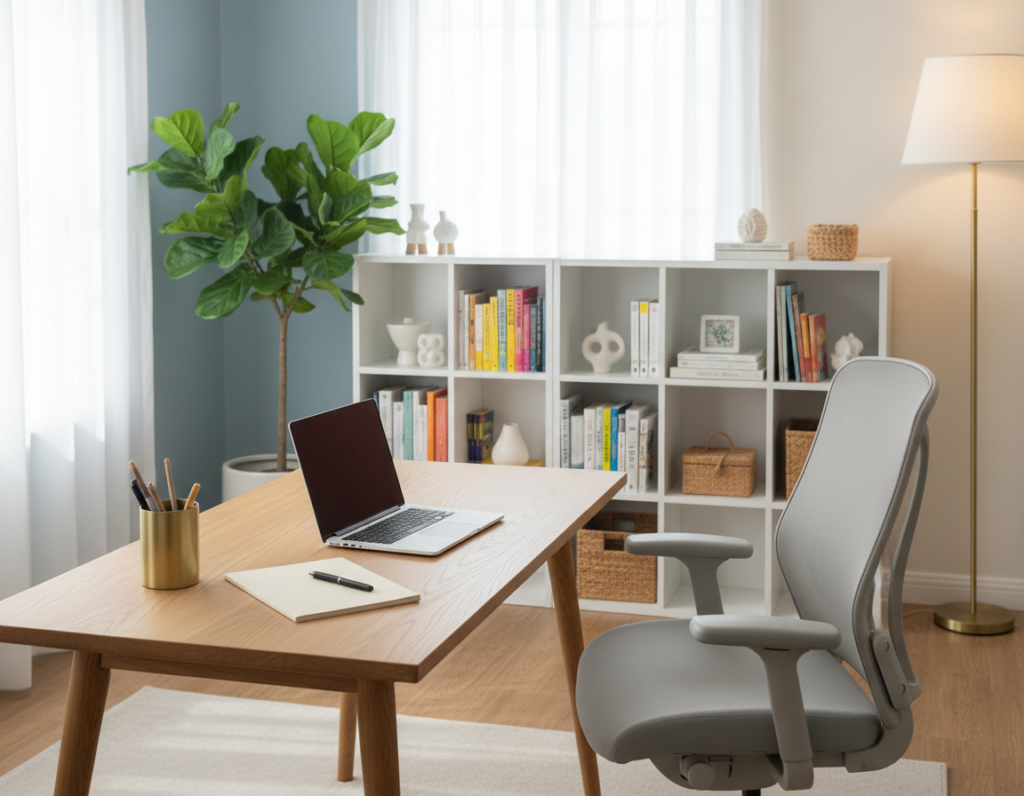
A thoughtful storage plan makes it simple to find tools when they matter most. Use cabinets, labeled bins, and shallow trays to give each item a home. This cuts the visual noise that turns a calm space into clutter.
Keep the desk clear of old sticky notes and loose papers. A tidy surface reduces distraction and lets the mind focus on the task at hand.
Set up a filing cabinet or a dedicated storage shelf for active projects and reference files. When documents live in one place, retrieval is fast and momentum stays intact.
- Categorize: Label bins by project, tool, or frequency of use.
- Contain: Use drawers or boxes for small supplies so the desk stays open.
- Rotate: Store seldom-used items out of sight to keep daily space uncluttered.
Investing in effective storage is a simple step that makes the office more usable. By creating a place for everything, people spend less time searching and more time doing focused work.
Incorporating Sensory Tools and Self-Care
Adding a few tactile or movement options helps the mind reset during slow stretches of the day. These choices help people manage energy and approach tasks with renewed focus.
Fidgets and Stims
Small objects — a textured ball, a clip fidget, or a gentle foot rocker — give the brain the mild stimulation it needs to stay engaged. Use one or two options at the desk so they do not become visual clutter.
Tip: Rotate items weekly. New tactile input often restores attention faster than more screen time.
The Stuck Pile
A “stuck pile” is a small collection of supportive items placed within reach. It might include a task organizer, a yes/no coin, an Anti-Planner, and a note with the next tiny step.
- Grab a tool when starting feels hard to break inertia.
- Keep a self-care box with quick stretches, water, or a breath exercise for energy dips.
- Consult a professional through resources like the Alma directory for tailored strategies.
Bonus: Treat the setup as personal. The right mix of tools and small rituals makes the work environment kinder to the mind and more productive each day. For more on sensory planning, see this sensory diet resource.
Conclusion
When the environment respects how someone thinks and moves, the result feels less like struggle.
Many people find that clear choices reduce friction and make it easier to begin work. Keep routines small and test one change at a time. This approach saves time and lowers resistance to starting tasks.
Designing an adhd-friendly workspace is a personal process. Prioritize comfort, movement, and neat storage to support the brain and boost productivity. Small swaps — better light, a standing option, or a visible timer — add up quickly.
Stay flexible and keep experimenting. With steady adjustments, the office can become a supportive base that helps people meet goals and feel more capable each day.