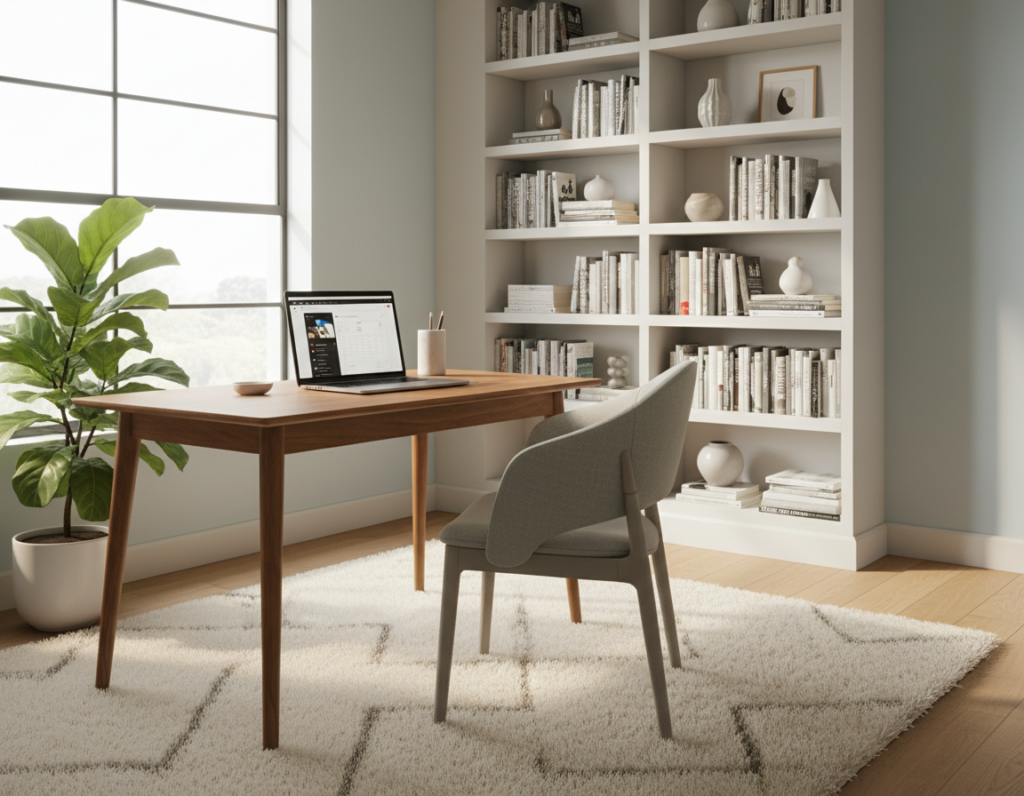
The right setup matters when someone spends long hours working from a home office. The TEKarrc by TiMOTION won the Red Dot Design Award 2025 for redefining flexibility in modern workspace design. This model shows how thoughtful engineering can change daily routines and comfort.
Finding the ideal position for a workstation helps sustain focus and reduce fatigue. Research shows that correct furniture placement affects how a person feels after eight hours of professional work. Small adjustments can boost productivity and reduce strain over a full week.
Investing in quality desks and adjustable solutions creates a foundation for better health and consistent output. Designers recognized by awards point the way to modern ergonomic choices that avoid the pitfalls of static workstations.
The Impact of Desk Height on Daily Comfort
How a person meets their work surface affects comfort, focus, and energy across the day. A proper desk height helps maintain neutral posture and reduces strain on shoulders and wrists.
Most standard furniture measures near 28 to 30 inches. That range fits many people, but it is not universal. If a table is too low, they may slump in their chair and load the lower back.
When a work surface sits too high, users often lift their shoulders. That motion causes tightness and lowers productivity over a long day.
Simple adjustments can prevent fatigue and preserve energy for after-work activities. Small changes in how someone positions their arms and screen go a long way.
- Correct alignment supports posture and comfort.
- A mismatched setup increases muscle strain and slows work pace.
- Adjusting the surface in inches to match seating posture reduces tiredness.
For practical steps and a quick measuring guide, see the recommended seated height guide.
Understanding the Best Desk Height for Your Body
A workstation that matches a person’s proportions keeps muscles relaxed through long work periods. Small, deliberate adjustments matter more than a universal measurement.
Standard Height Guidelines
Maintain a 90-degree elbow angle when sitting. This alignment reduces strain on the neck and shoulders during long hours.
Standard guides aim to place forearms parallel to the floor. For many people, that creates a neutral sitting posture and cuts the risk of pain.
Individual Variations
No two bodies are identical. Body size, arm length, and chair choice change what works best.
- Measure while sitting: knees at 90 degrees and feet flat.
- Adjust the surface as comfort changes over time.
- Persistent pain may signal a setup problem; evaluate your position carefully.
“Ergonomics is personal; flexibility is the key to lasting comfort.”
Select desks that offer range and fine control so the workspace adapts to the user, not the other way around.
Measuring Your Ideal Ergonomic Setup
Measuring key body points gives a clear roadmap for a comfortable work setup. To find the best desk height for a user, they should measure the distance from the floor to their elbows while sitting or standing comfortably.
Use a tape measure and record the value in inches. If they use a standing workstation, measure while standing with feet flat on the floor.
Once the elbow reading is set, adjust the office chair so knees sit at about 90 degrees. Then raise or lower the desk so the forearms rest parallel to the floor and the elbows stay neutral.
- Check monitor placement: the top of the screen should avoid forcing the neck to tilt.
- Support the body: add lumbar support and use the chair to complete the setup.
- Recheck periodically: a well-calibrated setup lowers the risk of strain during long workdays.
Achieving the Perfect Elbow Angle
A precise elbow position helps preserve posture and limits tension in the upper body. Proper alignment supports neutral spine positioning and reduces strain on the neck and shoulders while they work.
Wrist and Shoulder Alignment
Keep the elbows at a 90-degree angle with forearms resting gently on the surface. This alignment lets the shoulders relax and keeps the spine upright.
If wrists feel tight, adjust the chair or the desk height slightly so the arms do not press hard into the surface. Small changes to the position can ease tension by the end of the day.
Periodically check elbow alignment during long sessions. When the office chair and surface match a user’s frame, shoulder alignment becomes easier and productivity improves.
- Why it matters: prevents neck and wrist strain.
- Quick check: forearms parallel, elbows at 90 degrees.
- Adjustments: tweak chair or surface a half-inch at a time.
The Science Behind Standing Desk Heights
Standing workstations must align with a user’s body to reduce strain and sustain energy. Research shows that a correct desk height helps the arms rest at a 90-degree angle, which protects the shoulders and wrists.
Most studies and ergonomic guides point to a range of 38 to 42 inches from the floor for many adults. That range lets forearms stay parallel to the surface while the elbows sit near the 90-degree angle recommended for neutral posture.
Keeping the monitor at eye level is equally important. A properly placed screen stops users from tilting the neck and reduces back pain over time.
- Posture rule: arms parallel to the surface and elbows relaxed.
- Screen rule: monitor top at or just below eye level to avoid hunching.
- Health benefits: better circulation and often improved productivity when the surface is set correctly.
Practical tip: measure in inches from the floor to your elbows while standing, then set the surface so the arms remain level. Small adjustments can make a big difference in comfort and long-term health.
Transitioning Between Sitting and Standing Positions
Short, frequent changes in position reduce stiffness and help sustain energy during the workday. Experts suggest standing about one hour for every one to two hours of sitting to keep the body dynamic.
Starting Small
Begin with brief standing intervals. Stand for under 15 minutes at first and increase slowly as the legs and back adapt.
Tip: use an adjustable desk so the user can change the surface with control and avoid abrupt shifts.
Staying Dynamic
Alternate positions every 30–60 minutes. Micro-movements ease tension and improve posture and productivity across the day.
- Switch between sitting and standing to keep circulation moving.
- Adjust the chair and surface so forearms stay comfortable.
- Keep session lengths varied to prevent fatigue.
Clearing Your Space
Keep the floor clear so legs can move freely and the office feels safer. A roomy surface makes transitions smooth and keeps essentials within reach.
Remember: a tidy space and simple control settings on adjustable desks help people change position more often and work with less strain.
Essential Accessories for a Healthier Workspace
Small tools and thoughtful layout can transform a work area into a health-focused zone.
Anti-fatigue mats add soft support for feet and legs during long standing sessions. They encourage subtle movement and reduce joint stress while on the surface.
Proper lighting and a monitor stand protect eye health and promote a neutral neck position. Good light reduces squinting and helps maintain posture over a full workday.
Keep the space tidy with cable management and storage. A clean surface limits distractions and improves focus in the office.
Ergonomic desks often accept many accessories designed to increase comfort and support. Pairing a quality chair with targeted tools turns a workstation into a more productive and healthy workspace.
- Support for feet and legs: anti-fatigue mat.
- Monitor alignment: stands and arms for eye-level screens.
- Organization: cable channels and trays for a calm space.
Managing Your Screen and Eye Level
Aligning the screen with the user’s sightline cuts the need to crane the neck and keeps posture neutral. Proper monitor placement is one of the simplest ways to lower strain during long sessions.
Reducing Neck Strain
Position the monitor so the top third of the display sits at eye level. This helps the head stay upright whether the person is sitting or standing.
Managing the screen level is a core part of any office setup. A small monitor stand or adjustable arm lets the user fine-tune the screen to their body.
When the monitor is at the right level, tilting the head forward stops and shoulder tension eases. This improves focus and lowers the risk of chronic neck pain.
- Keep the monitor centered in front of the user to avoid twisting the neck.
- Use a stand that lets small adjustments for different postures across the day.
- Check the screen level after changing the chair or moving the work surface.
Practical tip: confirm the screen is at eye line during short checks; small tweaks deliver lasting comfort in the workspace.
Common Mistakes to Avoid During Setup
Many setup problems begin with one simple oversight: mismatched surface level and user proportions. This error forces the shoulders up and causes extra neck and back pain over time.
One frequent mistake is failing to adjust the desk height to the user’s body. When the surface sits too high, the shoulders tense. When it is too low, the user often hunches forward.
Other common errors include a monitor placed too low and a misaligned chair. A low monitor encourages hunching and adds strain to the shoulders and neck. A poorly set chair makes the wrists dump onto the surface and increases discomfort.
- Match surface level to elbow height to protect the spine and shoulder.
- Keep the monitor at eye line to reduce neck strain.
- Clear the office space so movement and adjustments are easy.
By avoiding these setup mistakes, a user will cut the risk of chronic pain and ensure the desk height supports daily productivity.
Benefits of Using Adjustable Work Desks
Adjustable workstations let people shift posture through the day to match energy and tasks.
Control of position is the main advantage. Changing the desk height and surface angle lets users move between sitting and standing without disrupting flow.
Improved circulation follows from these small changes. Standing periodically eases pressure on the legs and reduces stiffness after long periods of sitting.
These units fit a variety of body sizes and work styles. They support a neutral spine and let the chair and surface work together to protect posture.
- Health support: lowers strain on the back and legs.
- Productivity: users often report better focus and fewer breaks for discomfort.
- Flexibility: not locked into one position so fatigue drops over time.
“A flexible setup is a simple way to improve well-being across the workday.”
Choosing quality models with smooth adjustments gives reliable control and a durable setup. Over time, that investment pays back in comfort and sustained productivity.
Conclusion
Small, deliberate adjustments to your workspace pay off with less pain and more steady concentration. Finding the best desk height is a key step toward a comfortable setup that supports long workdays and better focus.
By adjusting chair and surface to match the body, they reduce strain and protect overall health. Modern desks add flexibility, so shifting between sitting standing positions is simple and efficient.
Prioritize regular checks and minor tweaks over time. A properly tuned desk and mindful routine are an investment that helps people stay comfortable, avoid common aches, and keep productivity high for years.