The shift since the COVID-19 pandemic has pushed millions of professionals in the United States to work from home full or part time. Many now rely on a dedicated home office to separate duties and life. This change makes a proper setup essential for long-term success.
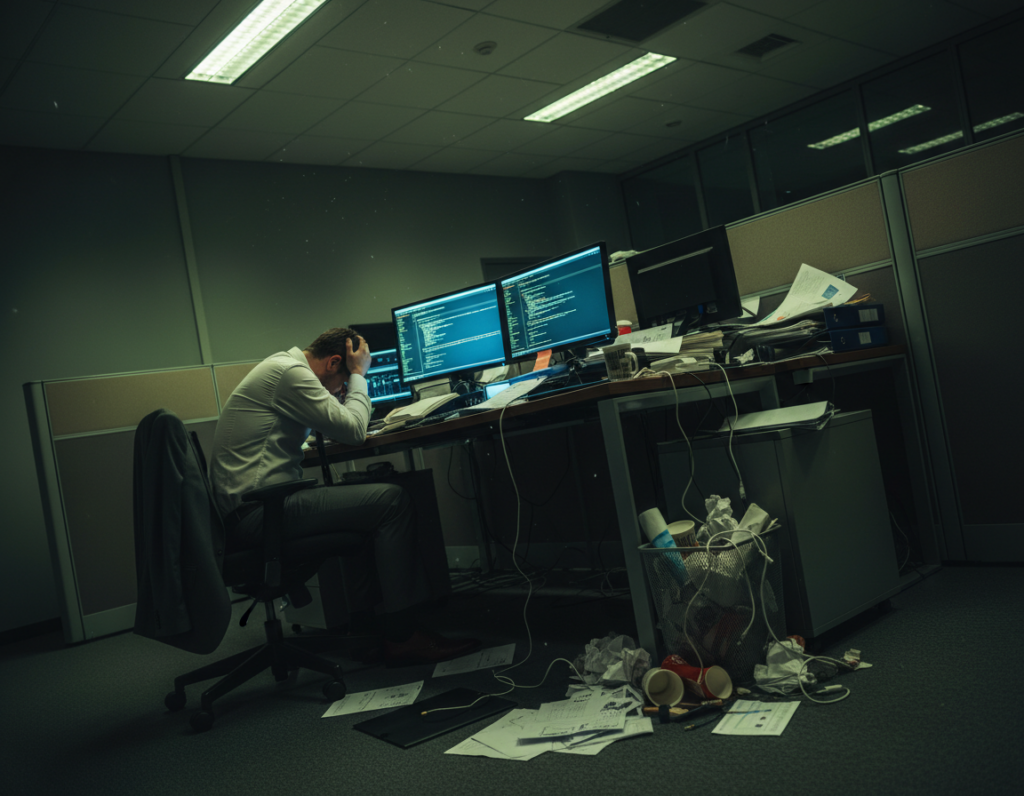
Working at a kitchen table or sofa often causes fatigue, neck strain, and recurring pain. Experts urge investing in ergonomic equipment, proper lighting, and a stable computer station to reduce musculoskeletal risk. A clear room and smart office setup protect both physical health and daily focus.
This guide offers 12 expert-backed recommendations that help remote workers boost productivity and preserve health. It covers lighting, gear, layout, and routines so they can set their home office setup quickly and spend less time fixing problems later. Read on to design a space that supports the job for many days to come.
The Importance of a Dedicated Workspace
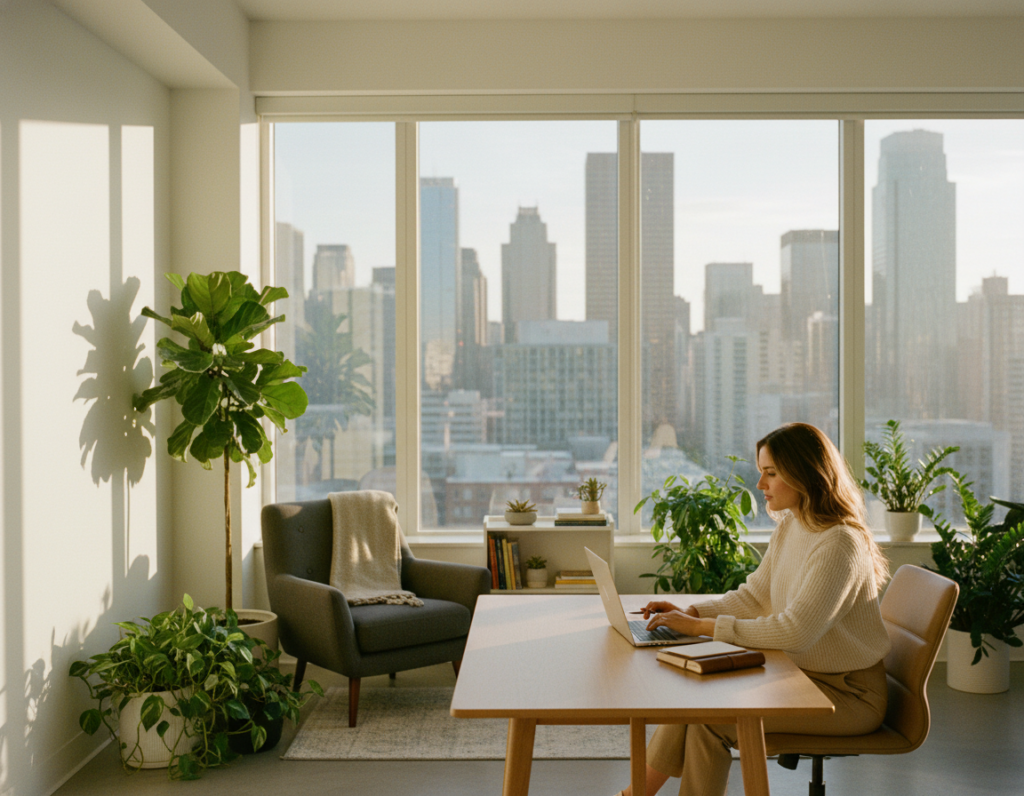
A clearly defined work area helps people switch into a professional mindset faster. When they use a dedicated room, they signal to the brain that it is time to focus and perform job tasks.
Research shows that working from a designated spot reduces the physical strain caused by unsuitable furniture. A proper setup lowers the risk of musculoskeletal problems and supports long-term health.
Creating a separate workspace also builds a psychological boundary. This makes it easier to close the day and disconnect from job responsibilities. Without that boundary, stress rises and attention scatters during the workday.
Practical benefits include fewer interruptions, clearer routines, and higher job satisfaction. Many remote professionals report better output when a dedicated space anchors their morning routine.
“A defined area for work acts as a physical cue to focus and to stop at the day’s end.”
- Improves concentration
- Reduces posture-related pain
- Helps separate personal life from job demands
Essential Home Office Comfort Tips for Daily Productivity
Small, consistent changes to your daily setup can reduce pain and boost focus during long work sessions. These adjustments improve posture, circulation, and task performance without major expense.
Ergonomic Posture Basics
Proper posture is the cornerstone of any productive home office setup. Align the screen so the top sits at eye level and keep feet flat on the floor.
Sit back in a supportive chair and keep shoulders relaxed. Use a lumbar cushion when needed to protect the lower back.
The Role of Movement
Frequent movement prevents stiffness and improves circulation throughout day sessions. Stand or walk for a few minutes every 30 to 60 minutes.
- Set a timer to cue brief stretches and mobility breaks.
- Alternate sitting and standing to reduce muscle fatigue.
- Integrate short walks when switching tasks to reset focus.
Implementing these home office comfort tips helps maintain physical health and mental clarity. Better posture and regular motion directly support job performance and long-term productivity across work days.
Selecting the Right Furniture for Your Body
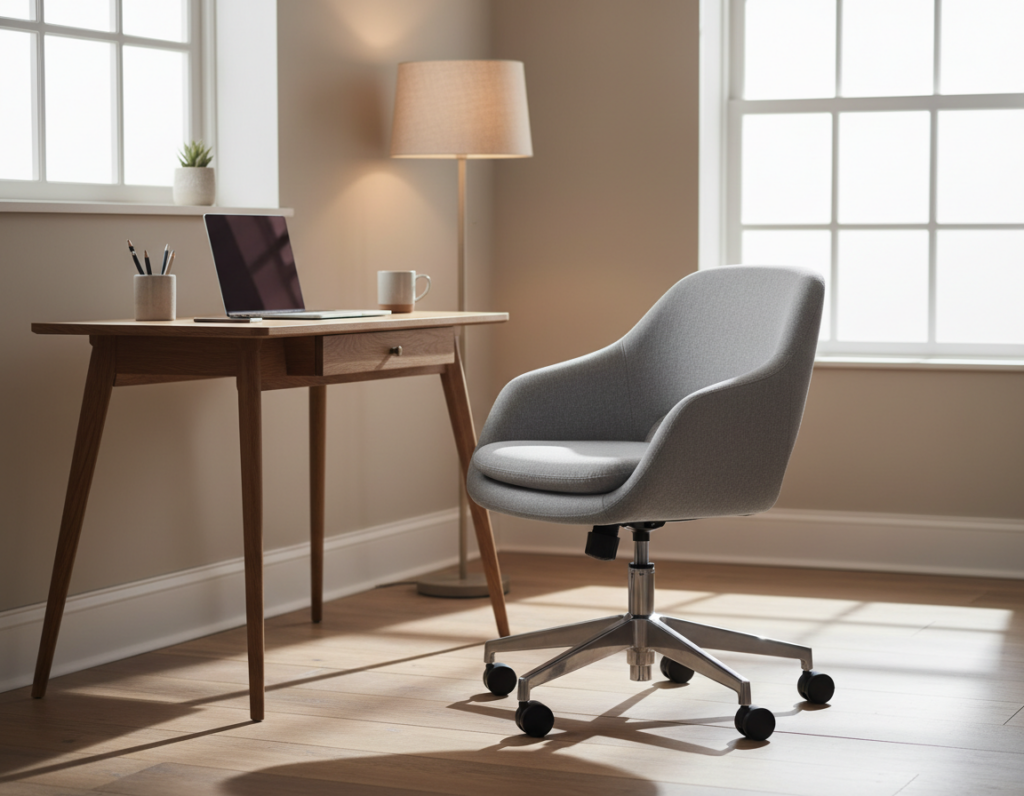
A well-measured desk and the right seat change how long someone can stay focused without pain. Proper choices reduce strain and support better posture throughout the work day.
Choosing the Ideal Desk
Pick a desk deep enough for a monitor, keyboard, and notes; 24 to 43 inches is a common range. The recommended height for most users is 25 to 29 inches to keep elbows and knees near 90 degrees.
Tip: Mounting shelves on the wall frees desktop space and keeps essential tools within reach.
Investing in Supportive Seating
Invest in a quality chair that protects the lower back. The Bloon ball seat is a dynamic option that encourages micro-movements and reduces muscle tension during long sessions.
Alternate sitting standing to boost circulation and lower fatigue. A standing desk makes this easy and improves overall health and productivity.
Utilizing Laptop Stands
Raise the screen 20 to 28 inches from the eyes to prevent eye strain and keep the neck neutral. A laptop stand helps align the computer with the user and complements ergonomic equipment.
- Desk height: 25–29 inches for proper alignment.
- Screen distance: 20–28 inches to protect vision.
- Seating: Consider dynamic chairs like the Bloon ball seat.
- Space saving: Use wall shelves to open the desktop area.
Optimizing Lighting and Visual Clarity
Good lighting transforms a remote work area into a productive, low-strain workspace. Aim for about 500 lux across the main work surface to reduce eye fatigue and keep tasks clear.
Place the desk near a window to use natural light, but fit curtains or blinds to control glare. This prevents screen reflections and helps keep the scene even for video calls.
Use a dimmable desk lamp to tune light intensity through the day. A lamp with warm and cool settings gives the power to match task needs and mood.
- Set monitor height so the top sits at eye level to improve visual clarity.
- Keep ambient light even to lower headaches and reduce eye strain.
- Optimize the area layout so the computer and light sources work together.
Practical upgrades to an effective home office setup — like 500 lux lighting, curtains, and a dimmable lamp — make the place easier to use and help sustain focus through the job day.
Managing Noise and Environmental Distractions
Controlling ambient noise is a simple step that preserves focus and boosts productivity during demanding video meetings. A quieter environment helps anyone finish complex tasks and attend calls with confidence.
Creating Sound Barriers
Use soft surfaces like rugs, heavy curtains, and acoustic wall panels to absorb echoes and lower background noise. These additions reduce reverberation and make voice more intelligible on calls.
Place the computer and desk away from doors, hallways, or kitchen entries. Shifting the work area to a quieter wall or corner cuts direct traffic noise and interruptions.
- Group equipment on one side to limit cable clutter and visual breaks.
- Try noise-canceling headphones for unpredictable household sounds.
- Schedule focused blocks when household activity is low to protect deep work time.
Small layout changes and targeted sound treatments form a practical home office setup. They keep the area functional and help the worker stay on task regardless of nearby activity.
Organizing Your Desk for Mental Focus
A tidy desktop helps reduce mental clutter and speeds task completion during a typical workday. Clear surfaces make it easier to begin tasks and to stay on schedule.
Designate zones on the desk for active work, reference materials, and small supplies. Place frequently used tools within arm’s reach to avoid interrupting flow.
Use drawers or small organizers for pens, chargers, and notes so the desktop stays clear. Storing supplies in marked spots saves time and lowers stress.
- Set monitor height to keep the neck neutral and protect posture.
- Position the chair and standing desk so transitions between sitting and standing are quick.
- Adopt a two-minute tidy at the end of each day to reset the workspace.
Good organization supports long-term productivity and helps prevent back pain tied to poor posture. When the computer, documents, and tools are arranged thoughtfully, people finish work more efficiently and with less strain.
Personalizing Your Environment for Motivation
Personal touches can turn a bland work area into an energizing place that encourages long-term focus.
Incorporating natural elements makes a big difference. Plants, wooden textures, and a small pebble tray bring life to the desk and reduce stress.
Natural light complements greenery and helps keep energy steady through the day. Place plants where they get indirect light and rotate them weekly for even growth.
Selecting mood-boosting colors
Color choices influence how someone works. Blue tones promote focus, while muted yellow or coral accents can spark creativity.
Paint one wall in a calm shade or add an art piece that contrasts with neutral walls to create an inspiring focal point.
- Scent and air: Use a mild diffuser to add calming or uplifting aromas for better concentration.
- Meaningful objects: Framed photos or a favorite small sculpture make the space feel personal and rewarding.
- Organized tools: Keep essential supplies and tools in labeled trays so personalization stays functional.
These small changes form a cohesive setup that supports mood and productivity. For strategies on staying motivated in hybrid arrangements, see practical motivation strategies.
Final Thoughts on Sustaining Your Remote Work Setup
Keeping a productive remote setup means checking its fit for current tasks and your body on a regular schedule. Perform quick reviews every few months to test lighting, chair support, air flow, and computer performance so pain and fatigue do not creep in.
Make adjustments as work changes: swap tools, tweak the layout, and refresh light levels to protect posture and sustain productivity. For practical guidance on setting your remote workspace, see setting your remote home office.
Small maintenance—from organizing supplies to servicing the chair—pays off in fewer distractions and better focus through the day. Treat the space as adaptable and it will support long-term success while they work remotely.