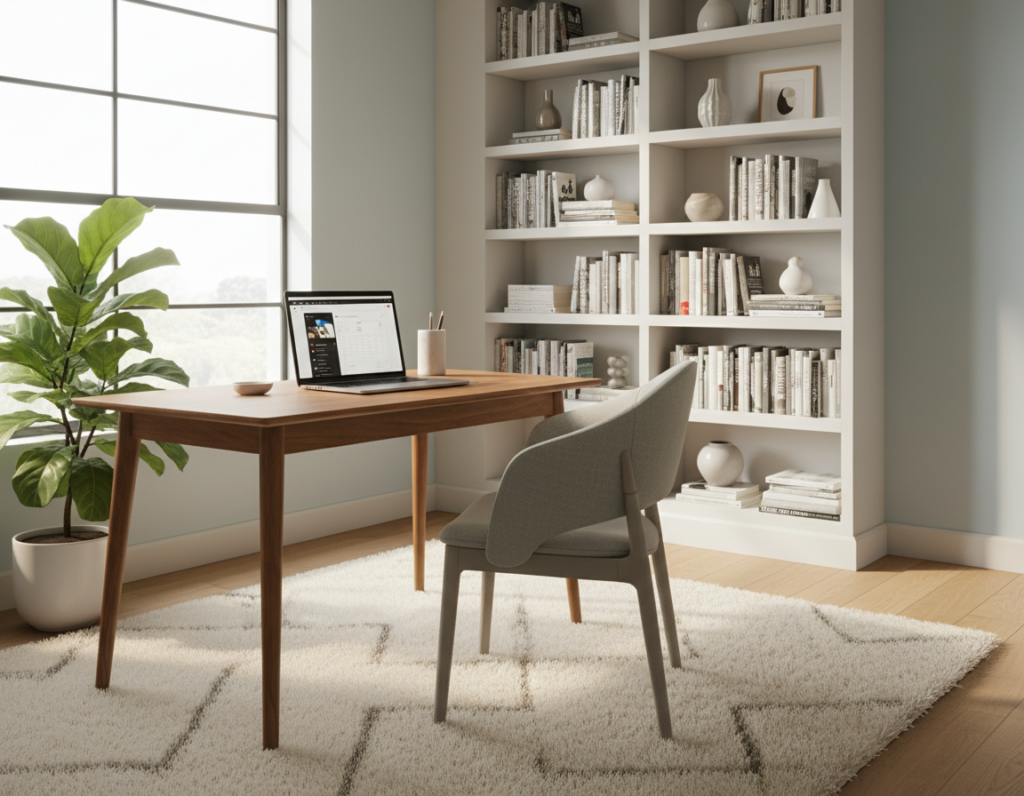
Small changes to a desk can make a big difference. Research by Staples found that 94% of workers felt more productive in a clean workspace. A University of Michigan study also showed an 88% gain for people who worked in organized areas versus cluttered ones.
These facts show that comfort and the immediate environment shape how people work. Adjustments at home or in the office go beyond moving a computer. They include arranging desks, decluttering, and setting up a clear visual field.
Practical changes help professionals focus during long hours. By organizing desks and removing excess items, they can boost attention and overall output.
This section introduces simple, research-backed ideas that guide readers to a more effective workspace. The following content will outline actionable steps to make those improvements fast and sustainable.
The Science Behind Ergonomic Productivity Tips
Evidence now connects simple workspace adjustments with faster task completion and less pain. The research links design choices to focus, comfort, and long-term health at both office and home office settings.
The Impact on Focus
When a desk and environment reduce distractions, people sustain attention for longer. Studies found that fewer interruptions and clearer visual fields cut the time needed to switch tasks.
Reducing Physical Strain
Better ergonomics helps keep a neutral posture and lowers neck, back, and eye strain during computer work. This reduces discomfort and saves time otherwise lost to breaks and recovery.
- OSHA data: interventions can cut musculoskeletal disorders by up to 50%.
- Proper setup in a home office supports posture and reduces eye strain.
- Addressing small aches early prevents larger health issues later.
- Following occupational safety guidelines maintains long-term comfort and higher sustained productivity.
According to OSHA, ergonomic interventions can reduce musculoskeletal disorders by up to 50%.
Essential Components of a Productive Workspace
Small investments in core items transform a room into a dependable workspace. A proper desk, a supportive chair, and clear sight lines reduce strain and speed task flow.
Research backs this approach: a University of Leicester study found office designs like this can raise productivity by up to 40% by cutting musculoskeletal disorders. Cornell University showed proper desk setups can lower errors by as much as 60% by reducing physical and mental fatigue.
To build a healthy environment at home or in the office, prioritize essentials. Keep frequently used tools within reach. Declutter surfaces and group items by task to make work smoother.
- Choose desks that fit the user and task.
- Organize tools so daily routines are simple.
- Invest in components that support long-term health and comfort.
Companies that prioritize these elements often see better retention. For guidance on arranging a functional area, consult a short guide to create a space where you enjoy.
“Proper setup reduces errors and supports sustained focus.”
Mastering Desk and Chair Height Alignment
A correctly set desk and chair keep the body neutral and reduce interruptions from discomfort. This alignment starts with desk height that lets the elbows form a 90-degree angle while typing.
Achieving the Perfect Elbow Angle
Set the desk so the keyboard and mouse sit at elbow level. When elbows are relaxed at your sides and bent at 90 degrees, wrist and forearm strain drops.
Adjust chair height so feet rest flat on the floor. Proper chair height and lumbar support protect the back and neck from long-term discomfort.
- Place the monitor about an arm length away with the top of the screen at eye level to reduce eye and neck strain.
- Use standing desks as an option, but match standing desk height so wrists remain neutral while using the keyboard and mouse.
- Follow occupational safety health guidance for chair height, lumbar support, and overall position to lower musculoskeletal risk.
“Simple height adjustments can cut discomfort and save time over a workweek.”
Optimizing Monitor and Peripheral Placement
Small shifts in monitor and peripheral layout cut daily strain and make tasks feel easier. Proper placement protects the neck and wrist and keeps the user working comfortably at a desk.
Monitor Eye Level
Set the monitor so the top of the screen sits at eye level and the display is roughly an arm length away. This position reduces neck flexion and lessens eye strain from looking down at a laptop screen.
Keyboard and Mouse Positioning
Place the keyboard and mouse close to the front edge of the desk so elbows stay near the body. Proper keyboard mouse placement helps keep wrists neutral and lowers repetitive strain.
- Use external equipment like a full-size monitor or specialized keyboard to improve the home workspace.
- For guidance on screen layout, see best computer screen positioning.
Wrist Support
Choose devices with built-in support when possible. For example, the MX Vertical mouse cut hand movement fourfold and lowered muscle strain by 10% in tests.
Also, the Logitech ERGO K860 offered 54% more wrist support and reduced bending by 25% versus a standard keyboard, helping prevent discomfort and improve posture.
“Simple device changes can lessen strain and keep work consistent.”
Enhancing Your Environment with Small Adjustments
Altering light, plants, and cable management around a desk can make long hours feel easier.
Add plants. A University of Exeter study found that plants in the office increased productivity by 15% and improved air quality in the workspace.
Position the desk near a window when possible. Natural light reduces eye strain and helps regulate circadian rhythms for better sleep and alertness.
Keep cables managed with clips or trays. A tidy surface lowers visual distraction and helps the user focus on work time.
- Maintain a steady room temperature between 71.6 and 75.2°F to prevent fatigue.
- Check monitor and screen position so the top is near eye level and the keyboard and mouse sit close to the front edge.
- Consider standing desks or supportive chairs to vary posture and reduce strain through the day.
Small, consistent changes to the environment add up. They keep the computer area comfortable and help the person spend less time distracted by discomfort or clutter.
“Simple environmental shifts often produce measurable gains in focus and well-being.”
Advanced Strategies for Long-Term Health
Long-term health at work grows from choices that add motion and variety to a static workspace. Small, repeatable changes help prevent chronic back and neck strain and improve day‑to‑day comfort.
Integrating Active Workstations
Walking pad desks and convertible setups let people alternate standing and walking while they use a computer. These options raise circulation and sharpen focus without disrupting tasks.
A yoga ball office chair can replace traditional chairs occasionally to boost core engagement and encourage better posture. Combined with correct desk height and chair height, the impact on back and wrist strain is measurable.
Occupational safety health guidance stresses regular movement to avoid long-term musculoskeletal discomfort. Setting ergonomic standards for a home office, including standing desks and proper monitor level, reduces risk.
- Rotate sitting, standing, and brief walking breaks every 30–60 minutes.
- Check keyboard mouse placement so elbows stay close to the body.
- Adjust height and lumbar support to keep the spine neutral.
“Regular motion and correct equipment choices limit cumulative strain and support lasting health.”
Conclusion
, Small, deliberate edits to screen, chair, and mouse position often cut discomfort and save time.
A tidy desk and a sensible workspace layout helped many people work with less neck and back strain. By setting the monitor, keyboard, and chair to the right level, they reduced eye and wrist fatigue.
Prioritizing health through correct height and position lowered long‑term discomfort and improved overall comfort at the office or home. These changes also made daily work smoother and raised productivity.
Takeaway: make small, consistent adjustments to the desk, monitor, and chair. The right setup paid off in time saved and better health for those who changed their environment.