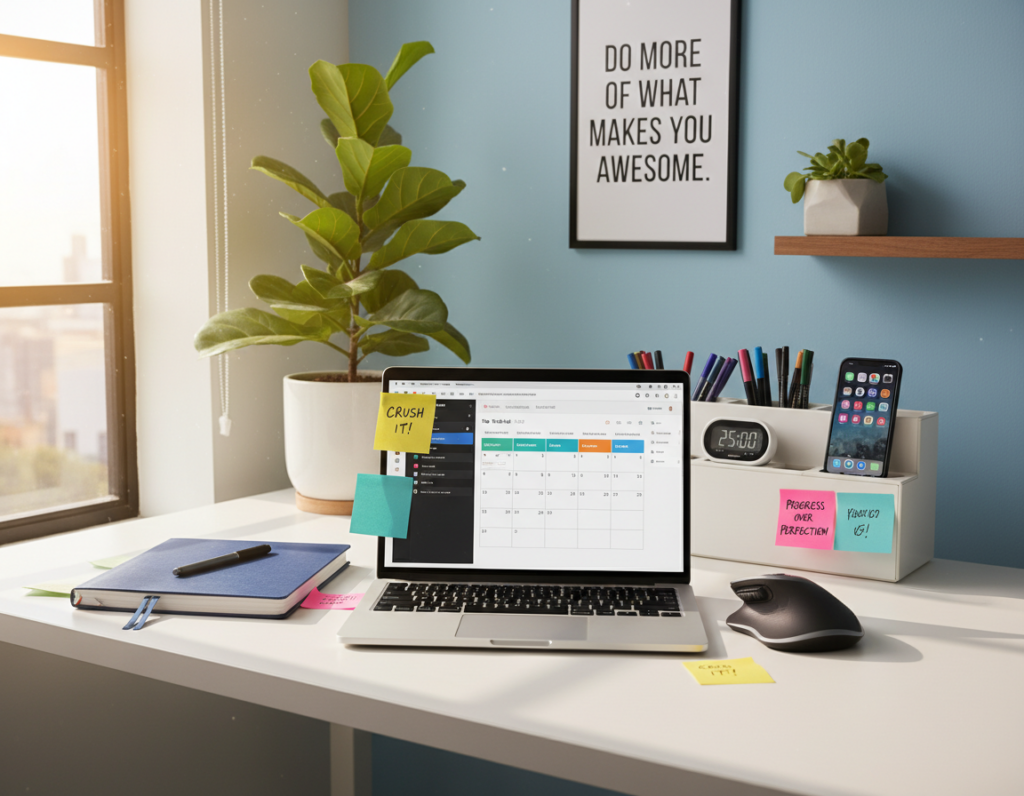
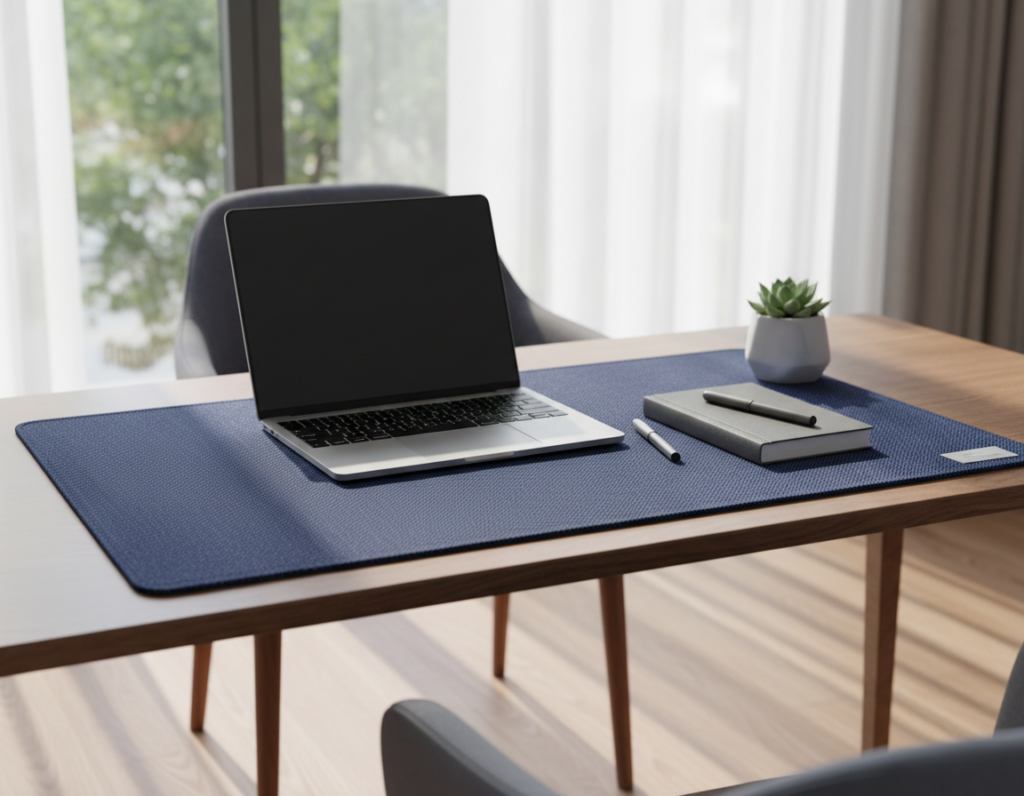
Finding the right desk for a compact home office means balancing ergonomics with limited floor room. A well-chosen unit turns a cramped corner into a productive workstation. It should offer stability, easy position changes, and clean cable management.
Research from Cornell shows sit-stand furniture can cut back pain by 15–30%. Models like the FlexiSpot E7 boast a 355 lb lift capacity and a 15-year US warranty. The Branch Duo gives a slim 36-inch width option, while the Secretlab Magnus Pro reaches 49.2 inches with an all-metal build. The Herman Miller Fully Jarvis is noted for elite build quality and a long warranty.
Whether one uses a laptop or a multi-monitor desktop, the right desk improves comfort and posture. This guide reviews weight capacity, frame quality, depth, and useful features so readers can pick a durable, efficient setup for their room and workflow.
Why You Need a Compact Standing Desk
A compact sit-to-stand solution can transform a cramped apartment corner into an active workstation. It lets someone change position through the day and reduces the risk of chronic back pain. Cornell University studies show users of sit-stand setups report 15–30% less back pain than people who stay at a fixed table.
Compared with a traditional desk that claims permanent floor area, an adjustable unit frees up the room. A well-chosen table fits against a wall or doubles as a side table when not in use.
The FlexiSpot E7 is often recommended for those moving from a conventional desk to a more active setup. Its quality frame and reliable lift help keep a laptop or desktop stable at any height.
Key advantages:
- Alternating between sitting and standing improves circulation and focus.
- Measured desk depth prevents blocking walkways and keeps the workspace ergonomic.
- Integrated cable management and sturdy frame promote long-term stability and neatness.
“A height-adjustable workstation supports posture and reduces afternoon slump.”
Measuring Your Workspace for the Perfect Fit
Measure twice so the new workstation fits through doors and leaves room to move. Start by recording the available width and depth where the table will sit. Include the path from the doorway to that spot.
Account for chair clearance: leave at least 30 inches between the back of a chair and any furniture or wall. That distance ensures comfortable sitting and standing transitions.
Floor Clearance Requirements
Check doorway widths before ordering assembled furniture. Most interior doors are 28–32 inches wide, so a 48-inch top may need flat-pack shipping or in-room assembly.
Also map outlets and traffic paths so cords do not cross high-traffic walkways. This preserves safety and neat cable management.
Identifying Structural Obstacles
Scan walls for radiators or baseboard heaters; they often add 4–6 inches of unusable depth. Measure windowsill height and ceiling clearance to confirm the unit’s height range won’t be blocked.
- Measure width, depth, and doorway path before purchase.
- Factor in 30 inches behind the chair for movement.
- Allow 4–6 extra inches if a radiator or heater sits along the wall.
- Verify outlet placement and ceiling clearance for overhead storage.
“Accurate measurements prevent the common mistake of buying a model that looks compact online but fills the room in reality.”
The Best Standing Desk Small Space Options
A well-designed electric table brings motorized height changes and useful extras into a limited room.
The Branch Duo shines for compact home setups with its svelte 36-inch top and clean design. It fits a laptop and monitor without crowding a corner and adds a minimalist profile that keeps the room feeling open.
The FlexiSpot E7 represents a reliable electric standing desk choice for those who need a heavy-duty frame. Its dual-motor system supports a 355 lb load, offering long-term stability for a desktop, monitor arm, and accessories.
The Kinetic from workspace48 pairs a 48×24-inch top with a 270-pound capacity and anti-collision sensors, making it a solid pick for studio apartments that still need a roomy workstation.
Budget buyers can consider the Fezibo electric standing desk. It includes anti-collision detection and lockable casters so the unit stays secure and moves when needed.
- Cable management and shallow storage drawers reduce clutter and replace bulkier furniture.
- Check frame quality and height range to ensure comfort while sitting or standing.
- Accessories like hooks and monitor mounts boost function without increasing depth.
“Choose a model with a stable frame and integrated management so the workstation stays tidy and comfortable.”
Evaluating Motor Quality and Noise Levels
When a unit moves, the motor’s sound and speed shape daily comfort and focus. Buyers should test noise, lift speed, and control quality before committing.
Decibel ratings give a quick way to compare how loud a model runs. Most high-tier electric standing models operate around 40–50 dB, similar to a quiet conversation. The Fezibo electric standing option reports sub-50 dB performance, making it suitable for shared apartments or thin-walled rooms.
Understanding Decibel Ratings
Look for specs that list dB and speed. Top-quality units typically move at about 1.5–2.5 inches per second. Faster, smoother travel reduces jolts and keeps monitors steady.
- Dual-motor systems usually offer better stability and lower noise than single-motor alternatives.
- Check the height range and confirm motors handle your equipment weight without stuttering.
- Anti-collision detection and intuitive controls are valuable features that protect gear and save preferred positions.
- Review warranty length—10 to 15 years often signals long-term motor reliability.
“Quieter motors matter most in shared living areas where even small vibrations can distract.”
Routine maintenance, like tightening frame screws, keeps operation smooth. Prioritizing motor quality will improve both the lifespan and day-to-day comfort of the workstation.
Benefits of Height Adjustable Furniture
A height-adjustable workstation helps people move more during the day and keeps muscles from locking up. Alternating between sitting and standing every 30–60 minutes is recommended by experts to prevent stiffness.
Improved circulation and less back pain are common outcomes. Cornell research shows users of sit stand furniture report 15–30% less back pain. That reduction helps focus and long-term comfort in a home office.
Custom height adjustment lets someone set the table so elbows sit at a 90–110 degree angle. This reduces neck and shoulder tension and improves typing posture.
Quality mechanisms keep the workstation stable even with multiple monitors or heavy gear. Many models offer programmable positions for quick transitions between sitting and standing.
- Encourages movement: frequent position changes prevent muscle stiffness.
- Custom fit: matches desk height to the user for ergonomic comfort.
- Flexible design: fits different rooms and supports varied work tasks.
“Investing in adjustable furniture is a proactive step toward better health and sustained productivity.”
Choosing Between Electric and Manual Frames
Deciding between an electric frame and a manual crank often comes down to how often someone plans to change posture during the day. An electric standing desk makes transitions quick and effortless, typically moving at 1.5–2.5 inches per second. That speed encourages more frequent shifts and less fatigue.
Manual frames cost less upfront but require physical effort to adjust. If adjustments are rare, a manual option can work. However, difficult mechanisms discourage regular use and reduce the benefits of height adjustment.
The frame matters most. A high-quality frame supports weight, resists wobble, and keeps monitors steady at tall heights. The FlexiSpot E7 Plus uses a four-legged design for superior stability compared with typical two-legged layouts.
- Convenience: electric standing models include programmable presets and smooth controls.
- Durability: steel frame quality dictates how much weight the desk supports.
- Range: confirm the height range fits the user’s stature before buying.
“A sturdy frame and easy height adjustment are the simplest ways to keep people moving and comfortable all day.”
Maximizing Vertical Storage in Tiny Offices
Using the wall above a work surface unlocks storage without increasing desktop depth. This approach keeps the table clear and preserves depth for a laptop or desktop monitor.
Utilizing Wall Shelving
Install shallow wall shelves above the desk to hold books, supplies, and bins. A monitor arm can sit on the top shelf or clamp to the table, saving 4–6 inches of depth on the work surface.
Pegboard Organization Systems
A pegboard behind the table keeps tools and accessories visible. It prevents clutter on the top of the desk and lets someone swap hooks and trays as needs change.
Under-desk shallow drawers offer pen and notebook storage without adding bulk. Route power and audio cables up the wall for cleaner cable management and fewer tripping hazards.
- Think vertically: store rarely used items on higher shelves.
- Measure ceiling height: avoid obstructing monitor height or standing range.
- Keep frequently used items within arm’s reach to maintain a focused office.
“A tidy vertical layout keeps the workstation functional and professional.”
Essential Cable Management for Minimalist Setups
Proper cable routing prevents tangles and accidental unplugging during height adjustments. A tidy setup keeps gear safe and the room calm.
The Secretlab Magnus Pro shows how integrated routing helps. It uses a full-length tray and runs power through a leg so cords stay hidden and secure.
Key practices:
- Use an under-top power strip mounted to the underside of the desktop to centralize plugs.
- Install an under-desk tray or channel to hold adapters and excess cable slack.
- Secure cables to the frame with clips so they don’t get pinched in doorways or under casters.
When using an electric standing desk, leave extra slack at bend points so cords never pull when the height changes. Regularly inspect cables for wear; prevention avoids failures and costly replacements.
“Good cable management protects equipment and keeps a minimalist desk functional.”
Selecting the Right Desktop Material
The material on top defines how a workstation wears and how it feels to use every day.
Choosing the right desktop affects durability, appearance, and how easily someone can add mounts or accessories. Bamboo and quality laminate resist coffee rings and laptop heat better than cheaper veneers.
The FlexiSpot Q8 offers a bamboo option that adds a warm, natural look while standing up to daily use. Laminate gives a smooth, easy-to-clean surface that fits many room design schemes.
Metal tops, like those on the Secretlab Magnus Pro, are extremely durable but often prevent screwing in drawers or shelves. If someone needs to attach storage or monitor arms, confirm the top thickness and material first.
- Match finish to room to make the area feel larger or cozier.
- Confirm top depth for monitors or multiple devices.
- Check weight limits so the surface won’t bow under equipment.
- Plan for cable management and attachment points if adding storage or mounts.
“A high-quality desktop material feels solid and extends the life and function of the desk.”
For more on choosing materials and finishes, see this tabletop material guide.
Ergonomic Tips for Small Workstations
Good ergonomics starts with small tweaks that reduce neck and wrist strain in tight work areas. These changes take minutes but improve focus and long-term comfort. Follow three simple rules to set up a healthier workstation.
Correct Sitting Posture
When sitting, feet should rest flat or on a compact footrest. Elbows must bend at about 90–110 degrees so shoulders stay relaxed.
Keep wrists flat or slightly angled down while typing. This reduces strain and helps maintain comfort during long work sessions.
Ideal Monitor Height
Place the top of the monitor at or slightly below eye level and about an arm’s length away. This prevents forward head tilt and neck fatigue when using a laptop or external screen.
Alternating Positions
Experts recommend alternating between sitting and standing every 30–60 minutes. Regular shifts prevent muscle stiffness and leg fatigue.
- Use height adjustment to keep elbows aligned when changing positions.
- Consider a slim keyboard tray to save surface depth and keep arm angle correct.
- Slide in an anti-fatigue mat or use a compact footrest to vary stance during standing periods.
“Short, frequent movement breaks plus a correct setup yield better posture and sustained productivity.”
Integrating Desks into Shared Living Areas
Design that blends function and decor helps a standing desk fit naturally into a shared room. A 48” electric unit can tuck behind a sofa and act as a subtle room divider. This creates a defined micro-office without blocking sight lines.
Use a slim table as a console when the workstation is idle. It hides a laptop and chargers and keeps the living area tidy. Choosing a white or birch finish makes the furniture feel light and less intrusive.
If noise is a concern, place the unit in a bedroom to contain video calls and typing. For studio living, put a table at the foot of the bed to separate work from rest.
- Blend design: match finishes and keep cords hidden.
- Pick quiet motors: low-noise operation keeps roommates happy.
- Choose mobility: a unit you can tuck away is great for hosting guests.
“A tidy, well-placed workstation makes shared rooms more functional and inviting.”
Comparing Weight Capacity and Stability
Choosing a model with the right load rating keeps multiple monitors steady and reduces wobble during use.
The FlexiSpot E7 Plus offers a massive 440 lb lifting capacity, making that table exceptionally stable for heavy setups. The E7L Pro uses three motors to lift large L-shaped tops smoothly while supporting up to 330 lbs.
Buyers should check both the rated weight capacity and the frame design. Single-piece tops and heavy-gauge steel frames resist twist and sway better than splice-board alternatives, which often compromise stability.
- Compare load ratings if you plan to mount multiple monitors or add storage drawers.
- Verify the height range so the table travels far enough without stressing motors under load.
- L-shaped tables need a robust frame across the full range to avoid sag at the far edge.
- High-quality steel construction usually signals better long-term stability and durability.
For more details on specs and selection, see this weight and stability guide.
“A stable workstation keeps gear secure and minimizes distractions from shaking or noise.”
Why Portability Matters for Flexible Layouts
When a room must serve multiple roles, portability becomes the key design feature for any productive table.
Portability lets someone adapt a compact living area into a true workspace during the day and reclaim the room for guests at night. Models with locking casters roll easily from a wall to a window, so natural light follows the workday.
Unlike a traditional desk, a mobile table avoids heavy lifting and permanent placement. Foldable frames collapse thin enough to slide behind a sofa or into a closet.
Many portable models still include reliable height adjustment, so ergonomics are not sacrificed for mobility. Always confirm caster locks; an unstable unit at standing height is unsafe.
- Portable units suit renters and multiuse rooms.
- Locking casters enable quick moves and secure positioning.
- Foldable frames reduce storage footprint when not in use.
“A mobile workstation gives freedom to work where light, quiet, or company fit best.”
Budget Considerations for Home Office Upgrades
Knowing how often someone works at home makes it easier to pick the right price range. If they log full work weeks, investing in reliable equipment tends to pay off fast.
The Fezibo electric standing desk is widely available at about $100, making it an entry-level option for tight budgets. For those who already have a sturdy table, a converter that sits on top can cost between $150 and $400 and adds height adjustment without replacing the surface.
For occasional work, a laptop riser and external keyboard create a usable standing setup at very low cost. But for daily use, spending more on motor reliability and solid frames reduces long-term issues and improves comfort.
- Factor in accessories like cable trays and monitor arms when totaling costs.
- Look for seasonal sales to lower initial expense without sacrificing features.
- Prioritize motor quality and stability for people who work from home full time.
“A durable table and reliable motor can save money over years by reducing replacements and ergonomic problems.”
Long Term Care and Maintenance
Simple maintenance steps extend the life of a table and protect the investment in a home office. A few routine checks keep the frame tight and electronics reliable.
Every few months tighten the frame screws. Vibration from height adjustment and moving a table between rooms can loosen connections and cause wobble.
Wipe the desktop with a microfiber cloth and mild soap. Avoid ammonia or harsh cleaners that strip protective finishes on wood or laminate.
- Protect surfaces: use coasters and a desk pad under a keyboard and mouse to prevent heat and moisture damage.
- Keep cables tidy: secure cords so casters and doorways do not pinch or fray them.
- Check storage: inspect drawer slides and clear debris so storage works smoothly.
- Inspect electronics: look over the motor and control panel for wear and follow the manufacturer’s care notes.
“A few minutes of monthly care will keep a table stable, tidy, and ready for daily use.”
Conclusion
A thoughtful workstation choice can quickly improve comfort and daily focus for anyone working from home. It supports healthier habits and makes long hours more sustainable.
Measure first and prioritize motor quality, cable routing, and material durability when choosing a desk. These simple decisions protect equipment and reduce distractions.
Whether someone picks a compact electric model or a converter, adding regular movement matters most. The phrase sitting standing captures that shift: alternate positions, set reminders, and use presets to keep changes effortless.
Investing in quality now saves time and discomfort later. With the right setup, a home office becomes both productive and comfortable.