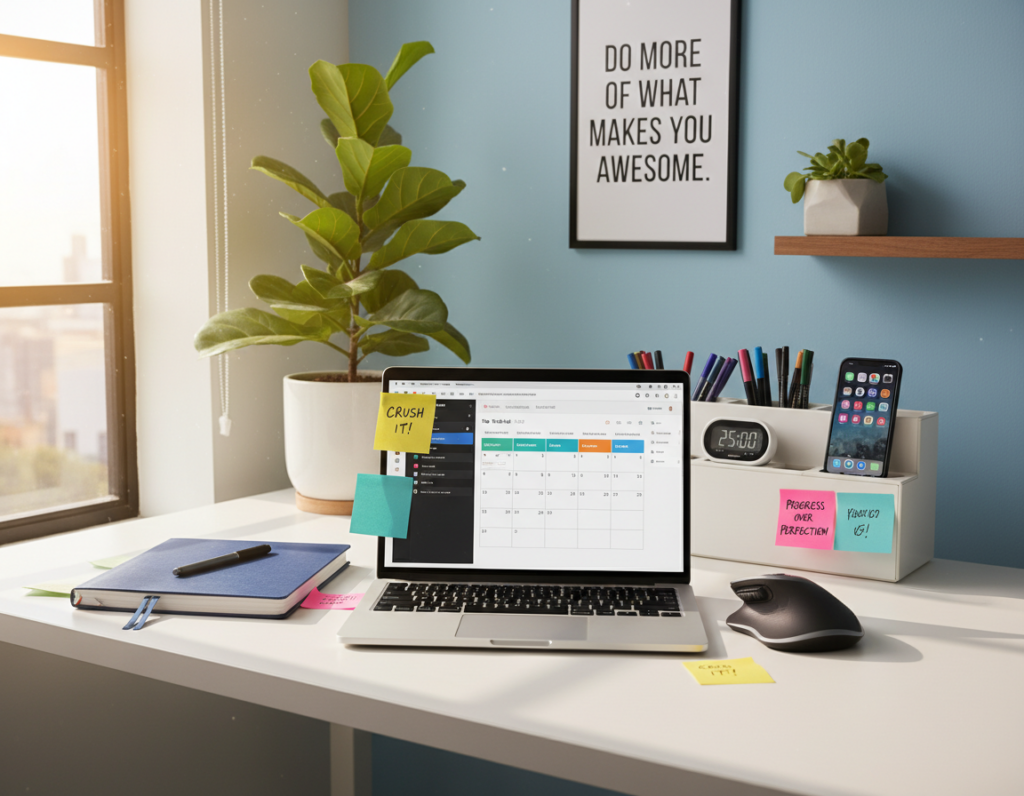
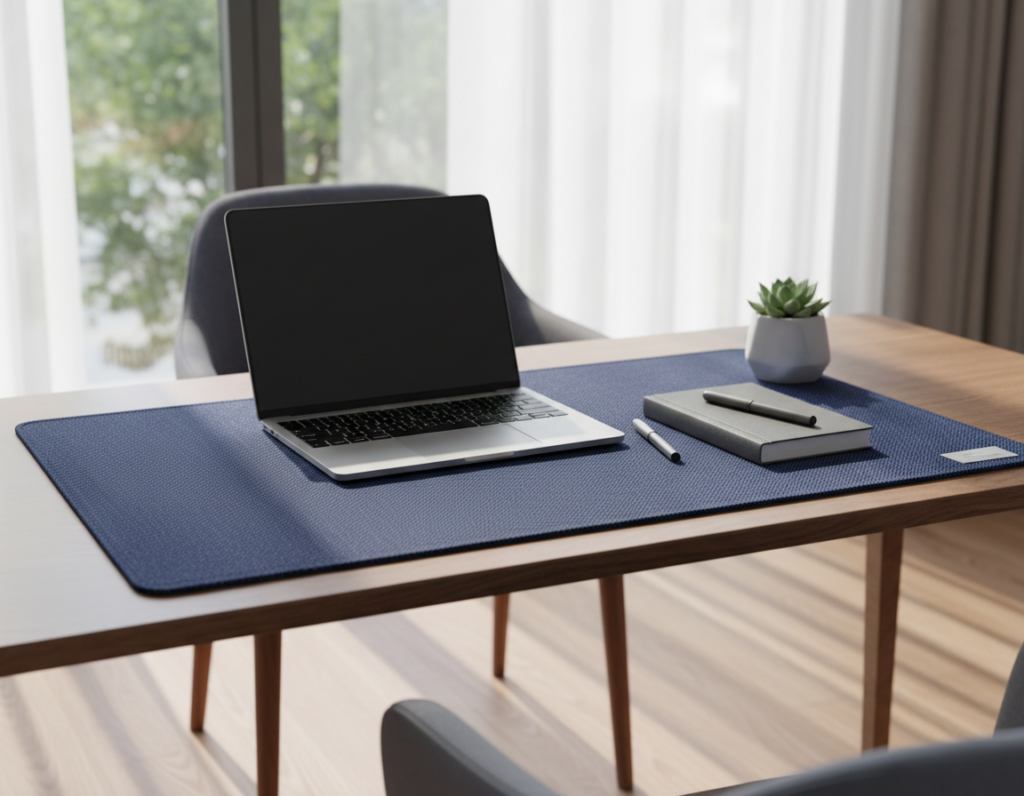
Creating a productive home office starts with a plan for how the workspace looks and feels. They can pair a gold ceiling light and a sunburst mirror to lift the room’s style while keeping the focus on work.
Visual clutter comes from too many items left on the desktop. A marble and brass lamp serves as a functional focal point and cuts down on scattered accessories.
Simple solutions help reclaim floor and shelf space. The right desk organizer and a neat layout give each item a place. This reduces distractions and makes the area feel professional.
These suggestions suit both a compact studio and a larger office. With small swaps and a clear plan, the space becomes calmer and more efficient for daily tasks.
The Impact of a Cluttered Workspace
A crowded work surface often steals focus and slows progress. Julie Dykema from the Container Store notes that too much clutter can be overwhelming and distracting for anyone working from home.
When a desk is crowded with random papers and objects, complex tasks become harder to complete. Searching for lost supplies wastes valuable time and breaks momentum.
Good organization does more than tidy a room. It creates a mental environment where someone can perform at their best. A clear desk space reduces interruptions and keeps priorities visible.
Teams and individuals in an office report better focus when work areas feel intentional. Small systems—labeled trays, a routine for clearing the surface, or a single place for frequently used items—cut down on daily distractions.
“Excess items create unnecessary distractions,”
For practical solutions and examples, see this guide to organizing a work area that helps reclaim focus and time.
Essential Desk Organizer Ideas for Every Office
Begin with a short audit of what gets used each day to cut unnecessary clutter. This makes it easier to decide what stays on the surface and what belongs in drawers or on shelves.
Minimalist approaches favor fewer items on the desktop. Whitney Leigh Morris, author of Small Space Style, urges a minimalist mindset so a home office supports focus and comfort.
Minimalist Approaches
Use vertical shelves and a single drawer for overflow. Giving each paper and supply a defined place reduces the time spent searching.
Assessing Your Daily Needs
Carly Cicero of Cicero Design Group recommends keeping what is used every day within reach from the chair. Store backstock in a closet or another room.
- Keep pens and notebooks where they are easy to grab.
- Assign a spot for each item so the workspace stays consistent.
- Develop a simple routine to clear the desktop at day’s end.
“A truly organized desk is one where you can easily find your pens and notebooks without having to move other things around.”
Mastering Cable Management
Taming cables is one of the fastest ways to make a workspace feel calm and purposeful. Good cord control cuts visual clutter and boosts efficiency in a home office.
Hidden Cord Solutions
Mounting a power strip to the wall or underside of the desk keeps cords off the floor. A wall mount power strip with four regular outlets and four USB ports handles chargers and peripherals without a jumble of plugs.
For renters or delicate surfaces, Command picture hanging strips secure a power strip without drilling. They hold well and remove cleanly.
Small adhesive cable holders stick to the desktop surface to stop a laptop charger from slipping behind furniture. Clips can run wires along the desk edge or beneath a shelf.
- Use a mounted power strip to centralize plugs and USBs.
- Try adhesive strips when you cannot drill into wood.
- Add cable clips to keep cords accessible and tidy on the surface.
“A clear wiring plan prevents the visual clutter that disrupts work.”
Utilizing Vertical Storage Space
Stacking storage vertically transforms unused space into practical shelves for books and files.
Placing shelves above a desk clears the main surface while keeping reference materials within reach. Laura Tribbett of Outline Interiors recommends using wall-mounted shelving for file storage and decorative items.
Moving items to the wall creates more desk space for a computer and daily tasks in a small home office. This keeps the work area uncluttered and easier to maintain.
Mounting a lamp or using a riser under a monitor frees up room for storage beneath. A vertical plan works well where floor area is limited.
- Install open shelves above the work area for books and supplies.
- Use wall hooks or a rail to hang frequently used items within view.
- Add a monitor riser to create hidden storage under the screen.
“Use the wall above your work surface to keep essentials close without crowding the tabletop,”
Optimizing Drawer Organization
A tidy drawer can turn scattered supplies into a functional command center. Simple swaps inside the drawer free up surface area and help maintain an organized desk.
Using Drawer Dividers
Poppin desk organizers are a practical option for creating sections for pens, paper clips, and small office supplies. They fit many drawer dimensions and add a colorful, organized look.
Customizing Layouts
Measure the drawer and plan zones for frequently used items. Place pens and notepads near the front so they are within reach during a task.
Securing Dividers
To stop shifting, adhere round Command clips to the bottom of a drawer. Clear clips or removable museum gel work well for adjustable layouts.
- Maximize storage space: give every item a place to save time.
- Keep supplies close: the right layout reduces trips to shelves.
- Lock dividers in place: use clips or gel to prevent movement.
“A well-organized drawer provides more storage space for your home office.”
Managing Paper Clutter Effectively
Paper piles slow workflows and make an office feel smaller than it is. Managing paper clutter is essential to keep a home office neat and to save time each day.
Start by scanning important documents with a handheld scanner. Digitizing lets people discard many physical copies and frees up valuable desk space.
Use a reliable backup like Backblaze to protect files from a laptop or computer failure. Daily backups ensure scanned documents stay safe and accessible.
Sort mail and shred junk each morning to stop paper from accumulating. For long-term records, a wall-mounted file system keeps categories visible without crowding the surface.
- Digitize first: scan receipts and forms, then discard when safe.
- Back up daily: let Backblaze run automatic backups for peace of mind.
- End-of-day routine: process loose supplies and papers so the next morning starts clean.
“A quick daily sweep prevents a small pile from becoming a big problem.”
Choosing the Right Desktop Trays
Well-chosen trays turn small piles into neat stacks that speed up daily tasks. A good tray system makes it simple to sort paper and other items. It also keeps frequently used supplies within reach.
Selecting Stylish Trays
Look for trays that match the room’s color and scale. The Container Store’s Bigso Stockholm collection offers decorative storage drawers and trays in several hues. Those finishes add a professional touch to a home office.
Choose stackable trays to expand storage without taking more surface area. Assign one level for incoming mail, another for current projects, and a shallow drawer for pens and scissors.
- Design matters: pick finishes that complement furniture and lighting.
- Function first: use stackable units to avoid desktop clutter.
- Zone items: give pens, paper, and small office supplies a dedicated place.
“A well-chosen tray helps maintain an organized desk by giving every small item a home.”
Implementing Ergonomic Laptop Risers
Raising a laptop to eye level can transform posture and work pace in a small home office.
Products such as the Quartet glass monitor riser lift the screen and create useful storage underneath. This makes it easy to slide a keyboard or papers out of view when not in use.
Elevating the screen reduces neck strain and improves sightlines during long sessions. It also frees up more desk space for writing or a secondary monitor.
Some risers include a built-in dry-erase surface. That gives a compact, wall-like spot for quick notes without crowding the desktop.
- Ergonomics: brings the laptop to eye height to cut neck fatigue.
- Hidden storage: tucks peripherals and supplies beneath the platform.
- Productivity: opens up surface area for focused work.
“Investing in ergonomic equipment improves comfort and efficiency.”
Choosing a sturdy glass or metal riser is a smart step toward a neater, more comfortable workspace.
Creating a Dedicated Charging Station
A single charging hub keeps every device in one tidy location and eliminates cord tangles.
The author uses a compact station that powers an Apple Watch, AirPods, an iPad, and three phones at once. This setup clears the desktop and frees up space for focused work in a small home office.
Placing the unit inside a drawer or mounting it on the wall hides cables and creates extra storage. A dedicated location prevents cords from spreading across the desk and keeps the room uncluttered.
- Centralize power so phones and wearables charge in one spot.
- Choose a multi-port model to reduce individual chargers.
- Use a small cable tray or a single charging tray to keep things neat on the desktop.
Having a central spot means devices are always ready and the office looks composed at the end of the day.
Incorporating Multi-Functional Accessories
Multi-use accessories turn small areas into smart, purposeful corners that help people work better.
Choosing items that serve more than one purpose saves space and keeps the surface tidy. A popular example is the Ember smart coffee mug, a sought-after home gift that keeps beverages at the perfect temperature throughout long work sessions.
Another useful approach is a compact unit that doubles as storage and a phone stand. These items clear clutter and make frequently used supplies easy to reach.
Many office supplies now blend form and function. Beautiful, well-made pieces act as both decor and useful tools. That makes them attractive gift options for colleagues or remote workers.
- Pick accessories with two or more roles to free up surface area.
- Favor durable items that hide cords or offer extra storage.
- Select tools that keep everyday things and supplies within reach.
“Smart, multi-functional accessories change how a small work area feels and performs.”
Leveraging External Storage Solutions
Storing bulky items outside the work surface instantly widens usable space and calms the room.
External storage like a filing cabinet keeps paper and larger supplies out of sight. An Urban Outfitters mango wood filing cabinet is a stylish choice that blends with modern decor while hiding paperwork.
Bookshelves or wall-mounted shelves add extra storage for items you don’t need every hour. A nearby closet or dedicated storage room can house a printer and backstock. This keeps the home office focused on the primary work tasks.
By moving non-essential items off the surface, the area becomes more open and inviting. External organization is a simple, powerful way to protect desk space when surface area is limited.
- Free surface space: files and bulky items belong in cabinets.
- Use vertical options: wall shelves hold overflow and decor.
- Centralize equipment: keep printers and backstock in a closet or storage room.
“A clear plan for external storage preserves the immediate work area for focused tasks.”
Personalizing Your Desk Environment
Small accents like framed photos or a potted plant bring warmth without filling usable surface area. These touches make a home office feel personal and less utilitarian.
Use the wall to display a favorite print or an inspirational quote. This adds character without taking up valuable desk storage or reducing practical surface area.
A few meaningful items can boost motivation. When someone enjoys their environment, they tend to tidy and preserve what they love.
- Limit keepsakes to a small group so the surface remains functional.
- Mix one living element, like a small plant, with a framed photo for balance.
- Choose attractive storage that doubles as decor to keep things hidden but accessible.
“A well-personalized space encourages daily care and makes work feel easier.”
Maintaining Your Organized Workspace
A five-minute tidy ritual at the end of each day keeps an organized desk ready for the next task. They return pens, file loose paper, and tuck away small items so the surface stays clear.
Consistency beats perfection. Spending that small amount of time prevents clutter from growing and saves valuable time in the morning.
They should also check drawers and shelves weekly. Reassessing the desk organizer layout or swapping a storage option keeps the room aligned with changing work needs.
- Daily: clear the surface and file paper clutter.
- Weekly: tidy drawers, test reach for frequently used supplies, and adjust zones.
- Monthly: back up computer files and declutter digital space.
Whether using color-coded bins or a simple spot for a lamp and phone, the best way to keep office supplies in place is habit. A clean desk is a small gift to your future self that helps each work day start with clarity.
For practical setups and more desk organization ideas, see desk organization ideas.
Conclusion
Tackling one clutter hotspot at a time prevents overwhelm and produces quick wins. Implementing a few targeted desk organization ideas will help transform a home office into a more productive, clutter-free zone.
By practicing consistent desk organization, a person saves time and reduces stress. Simple daily habits—returning items to their place and clearing the surface each night—make a big difference in available space.
These organization ideas aim to inspire practical changes that fit real routines. Start small, focus on one area, and build habits that stick for long-term success in the office.
Remember: a clean desk sets the tone for a focused, calm workspace. Pick one task today and keep it up tomorrow.