About one in twenty people worldwide lives with ADHD, and many face daily struggles with time blindness, task paralysis, and scattered focus.
The average adult with these symptoms can lose roughly 22 to 27 days of productive time each year. This introduction explains how digital tools can help externalize executive functions and cut decision fatigue.
This guide evaluated seven top-rated solutions to find which features truly support neurodivergent brains in work settings. It emphasizes that choosing the right adhd apps is about matching tools to wiring—not a sign of failure.
Readers will learn practical ways to reshape routines, regain consistency, and reduce overwhelm. For a deeper look at mobile options, see this roundup of mobile options for ADHD.
Understanding the ADHD Brain and Productivity
For people whose brains favor rapid shifts of focus, time and tasks can feel unpredictable. An estimated 5% of the world lives with ADHD, a neurodevelopmental condition that changes executive functions like attention and memory.
The condition is not a sensory disorder; many individuals perceive the world similarly to others while struggling with self-regulation. Because the brain is wired differently, standard tools and routines often clash with natural thinking patterns.
Choosing the right app and approach matters because the proper tool can improve daily life. Research shows that targeted digital tools help externalize planning and reduce decision fatigue.
Managing attention requires flexibility. Rather than forcing rigid schedules, effective solutions adapt to how someone actually works.
- Reduce cognitive load with simple displays.
- Break time into visible, short segments.
- Use reminders that match personal rhythms, not one-size-fits-all rules.
“Tools should meet the user where they are, not demand they meet the tool.”
Why Traditional Task Managers Often Fail
Conventional to-do systems often demand more mental bandwidth than people actually have. They assume steady attention and energy, which many users do not sustain during a day.
The Impact of Cognitive Load
Manual entry and rigid categories create extra work before any real progress begins. That added load makes a simple task feel like a barrier instead of a help.
Rigid structures force non-linear brains into linear flows. The result is friction that slows down completion and raises stress.
The Guilt of Incomplete Tasks
Seeing overdue items can trigger shame and avoidance. When reminders read like reproach, they reduce the will to try again.
People with racing thoughts often find list capture feels like a chore, not a rescue. This emotional weight then blocks future action.
“Tools should reduce friction and restore confidence, not add a new set of tasks.”
For practical alternatives and task management strategies, see task management strategies.
The Best ADHD Productivity Apps for Structured Planning
Morgen shows how structured planning can turn an overloaded calendar into a clear, usable system.
The tool costs $15/month and uses frame-based time blocking to help people visualize capacity across a day or month. Its interface lets users consolidate tasks, reminders, email items, and project notes into one place.
Key features include flexible versus non-flexible task flags, color-coded visual organization, and granular controls for meeting coordination. These reduce the executive function tax of scheduling and help avoid information overload.
- See your time at a glance with color blocks.
- Mark tasks as flexible to shift them without losing context.
- Pull items from multiple systems into a single list for simple management.
Many users report that the Morgen experience improves tracking over years and supports steadier work rhythms. That steady view makes it easier to manage projects and finish more things without extra mental effort.
“Tools should meet the user where they are, not demand they meet the tool.”
Leveraging AI for Automated Scheduling
Automated scheduling shifts the heavy lift of planning from the mind to the machine. Motion, an AI-driven app that costs $19/month, automatically schedules tasks by priority and deadlines so users spend less time arranging and more time doing.
Its advanced features manage project dependencies and real-time conflicts. That keeps complex projects organized across a week or month without endless manual edits.
Balancing Autopilot with Human Control
Autopilot can reduce decision fatigue and clear mental space for focused work. Yet, letting the algorithm run unchecked may produce an overscheduled day.
Good practice is to review AI suggestions each morning and adjust one or two slots based on energy, meetings, or priorities. This keeps the system helpful and grounded in real life.
- Trust the AI to place routine tasks and reminders.
- Manually reserve time for deep focus and unexpected items.
- Use dependency controls to protect critical project timelines.
“By offloading scheduling, people can focus on completing tasks rather than organizing them.”
Visual Tools for Managing Time Blindness
When the passage of time feels invisible, concrete visuals act like a steady hand guiding each step of the day.
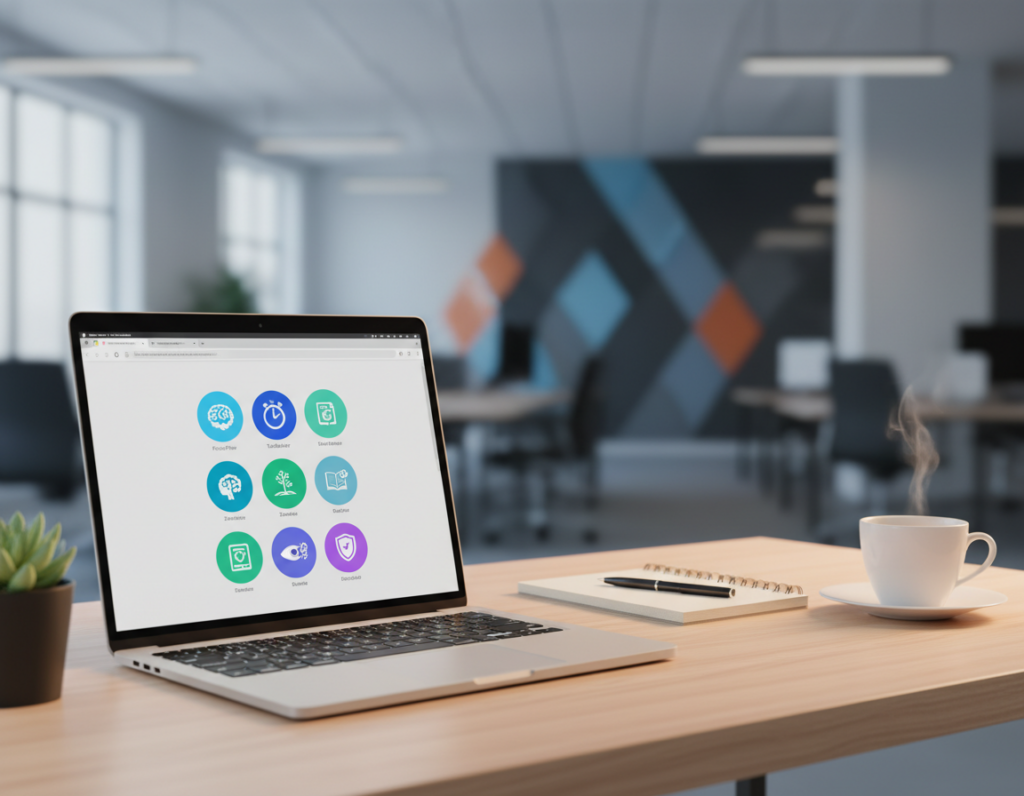
Tiimo is a visual planning app priced at $42/year designed to help neurodivergent people manage time blindness. It uses icon-based schedules and a countdown timer to anchor you in the present moment.
The visual timeline makes the flow of a day or month easier to see. That clarity helps with transitions between tasks and reduces the stress of guessing how long things take.
- Icons and timelines: provide concrete markers for each time block.
- Countdown timer: keeps attention present and reduces drift.
- AI task breakdown: splits overwhelming projects into doable steps.
Built by neurodivergent founders, the app reflects an understanding of how adhd brains need visible anchors rather than abstract lists. The visual cues offer steady support so focus stays on what matters.
“Concrete visuals change how people relate to time and tasks.”
For those seeking tools that match their wiring, Tiimo shows a practical way to use visuals for better time management across a week or month.
Mindful Planning and Energy Tracking
Sunsama centers daily rituals that protect energy while guiding realistic planning. The app costs $16/month and leads users through a short review each morning to set clear intentions for the day.
By tracking energy levels throughout the day, Sunsama helps prevent overcommitment to tasks that cannot fit into available time. Users estimate how long each task will take before starting, which encourages honest planning and less last-minute stress.
Daily reflection is a core habit. It creates psychological safety and builds steady work routines that align with personal rhythms rather than rigid schedules.
“Planning with attention to energy makes focus sustainable and work feel doable.”
- Set intentions each morning to protect energy.
- Estimate time for every task before starting.
- Use energy tracking to shift work to better moments in the day.
For related approaches to building supportive routines, see revving up connections for ideas on community-backed habits.
Frictionless Task Capture for Busy Minds
A single keystroke to save a thought can change how a day unfolds for someone juggling many things.
Todoist is an affordable app at $5/month built for instant capture. It lets users dump thoughts into a simple list before memory fades.
The app uses natural language parsing, so typing “Call Alex tomorrow at 3pm” sets the time and reminders automatically. This removes the extra steps that often stop capture in the first place.
The clean interface reduces friction and supports quick notes, subtasks, and a built-in timer. Breaking projects into small tasks becomes practical, not overwhelming.
By keeping capture fast and visible, Todoist cuts cognitive load. That helps the brain focus on doing things rather than holding them.
“Capture first, organize later.”
- Instant entry with natural parsing
- Simple list view plus subtasks
- Timer and reminder support for focused work
Virtual Body Doubling for Task Initiation
A shared virtual room can turn stalled intentions into quick momentum. FLOWN is an app priced at $19/month that pairs people who need help starting tasks with others working at the same time.
How Shared Presence Improves Focus
Structured focus sessions create short, predictable blocks of time. A visible timer and gentle reminders lower the friction of starting a task.
The social presence reduces isolation and helps the mind shift from planning to doing. Many users report better tracking of progress and clearer work management when they join regular sessions.
Finding the Right Community
Joining groups of like-minded people provides ongoing support across a month. FLOWN’s features — guided sessions, a visible timer, and simple accountability — help form a habit of beginning and finishing things.
“Working with others in a virtual space made a significant difference in my ability to complete tasks.”
- Short, timed sessions to protect attention
- Reminders and tracking to show progress
- Community-led rooms for steady support
Gamification Strategies to Boost Motivation
Small wins and rapid feedback often unlock forward motion when a task feels impossible. Goblin Tools uses AI to split large projects into dopamine-triggering micro-steps that feel doable right now.
By gamifying progress, the tool creates a string of tiny victories. Each checked micro-step produces a clear cue of forward movement. That cue reduces the freeze that comes from facing a big task.
Many users report that breaking work into short, repeatable actions removes paralysis and builds reliable momentum. Goblin Tools is free and focuses on turning abstract goals into concrete tasks you can finish today.
- AI breaks projects into bite-sized actions.
- Micro-steps deliver consistent feedback and reward.
- Simple structure helps sustain focus across long projects.
“A string of small wins beats a single overwhelming to-do every time.”
Practical tip: pick one micro-step now, complete it, and use that motion to start the next. Over time, those tiny completions compound into real progress and steadier routines.
Essential Features to Look for in the Best ADHD Productivity Apps
A well-designed tool reduces repetitive choices and preserves mental energy for real work. Choosing the right features can reclaim 22 to 27 days a year lost to scattered attention. Focus on elements that cut manual work and protect attention.
Prioritizing Automation
Automation should handle routine routing, reminders, and simple tracking. The ideal app sets deadlines, fills smart slots, and breaks a big task into subtasks without constant input.
- Auto-schedule and repeat rules
- Smart timers and progress tracking
- Natural language entry to save time
Centralization of Data
Keep email, notes, project lists, and calendar items in one system. Centralization reduces context switching and keeps a clear list of priorities.
Compassionate Design
Look for interfaces that celebrate progress and avoid punitive alerts. For many people, gentle nudges and flexible goals support long-term habits and steady progress.
“Tools should restore confidence, not add new tasks.”
Building Sustainable Routines Beyond the Software
A reliable routine grows when a tool is paired with a simple, repeatable system that fits daily life. Small changes that live on a task list make habits harder to forget and easier to repeat.
Focus on tiny habits that take two to ten minutes. These micro-steps reduce friction and help the brain link momentum from one action to the next.
Design the system so it feels like support, not punishment. Gentle reminders and flexible features let people adjust when energy shifts during the day or across a month.
Practical moves include a short morning check, a single note of priorities, and an evening review. Over weeks these small rituals form a durable habit that adapts with changing work demands.
“A routine should protect focus and restore confidence, not demand perfection.”
- Keep one daily task list that holds both work and life items.
- Use time blocks for high-focus work and quick recovery slots.
- Review progress weekly and tweak features that no longer serve.
For ideas on tools that support this way of working, see the Morgen roundup on integrated planning for people who want a system that actually works: Morgen planning features.
Conclusion
Choosing tools is a process; the real win is a habit that reduces daily friction. Small, consistent steps matter more than chasing perfection.
Finding the right fit requires testing. They should try one tool at a time and measure whether it eases the biggest pain point.
Prioritize features like automation, visual timers, and compassionate design. Those elements most often help the user get traction and stay on track with fewer decisions.
The aim of productivity apps and adhd apps is to help get things done with less stress, not to demand flawless performance. Start small, be patient, and remember many others have built systems that work.